Choosing Between a WordPress Page Builder vs. Hand Coding
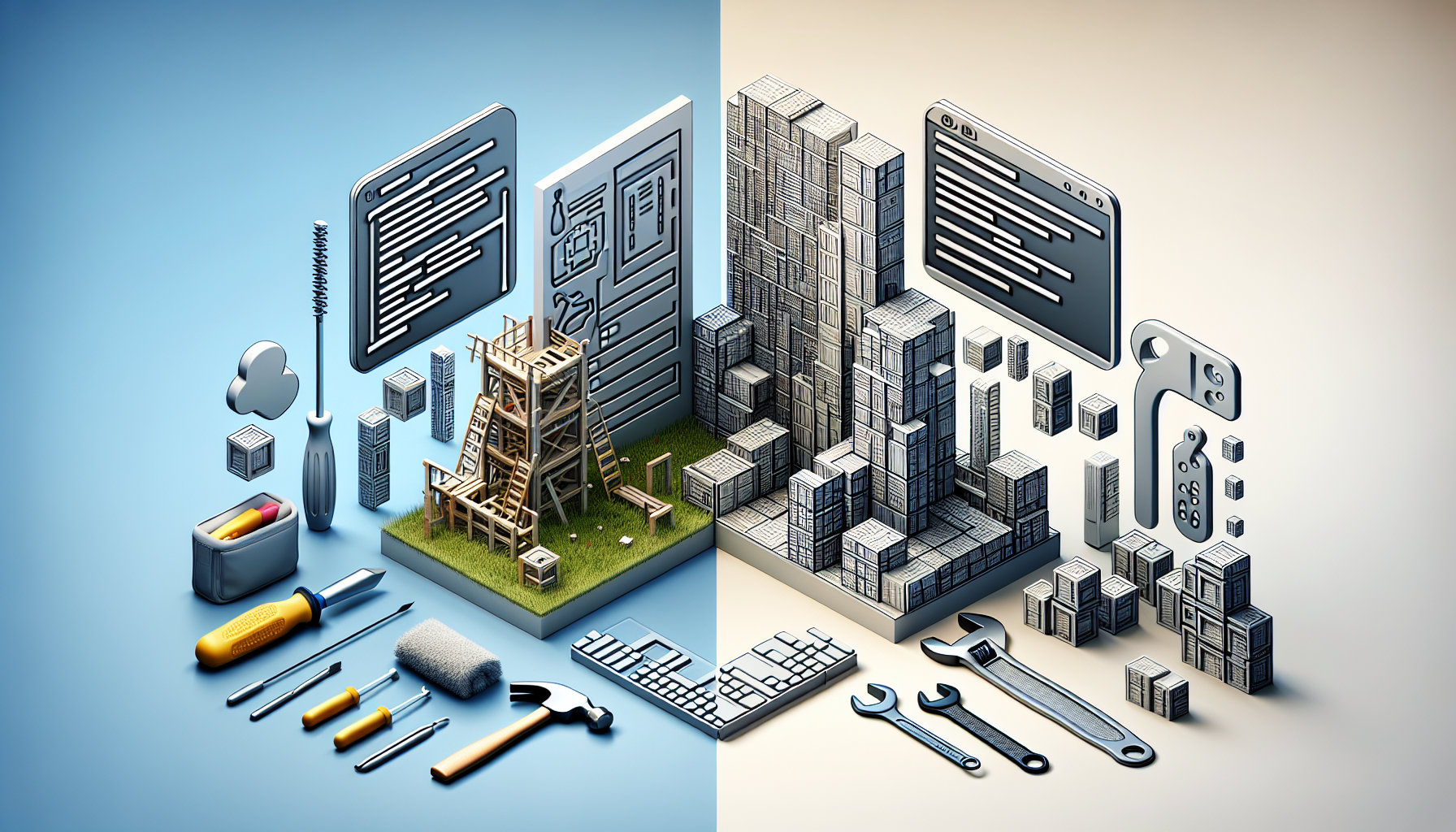
Page Builders vs. Hand Coding: Which One Suits Your WordPress Project?
When setting up a website using WordPress, you might be facing the decision of whether to use a page builder or to hand code your pages.
Key Differences at a Glance:
- A WordPress page builder offers a user-friendly interface with drag-and-drop functionality.
- Hand coding allows for more customization and can lead to better performance.
If you are looking to quickly design a site without extensive coding knowledge, a page builder might be the way to go. On the other hand, if you need a highly customized website and you have coding know-how, hand coding could be more beneficial. Let’s dive deeper into these options.
Understanding WordPress Page Builders
Page builders are plugins for WordPress that provide a graphical interface to design your pages.
The Pros of Using a Page Builder:
- Page builders make it easy to create complex layouts without needing to know HTML or CSS.
- They speed up the design process through pre-built templates and content blocks.
- Most offer a responsive design out-of-the-box, ensuring your site works on all devices.
However, page builders aren’t without drawbacks.
The Cons of Using a Page Builder:
- They can add extra bloat to your website, potentially slowing it down.
- The designs are often not as unique since they rely on templates.
- Switching page builders later can lead to compatibility issues or loss of layouts.
Getting to Grips with Hand Coding
Hand coding involves manually writing your website’s code using programming languages like HTML, CSS, PHP, and JavaScript.
Advantages of Hand Coding:
- Complete control over your site’s functionality and appearance.
- Hand coding can lead to a leaner, faster website.
- It enables you to write clean, SEO-friendly code.
Nonetheless, hand coding is not a one-size-fits-all solution.
Disadvantages of Hand Coding:
- It requires in-depth knowledge of web development languages.
- Building a site from scratch is generally more time-consuming.
- Maintenance and updates may require ongoing technical expertise.
Choosing the Right Method for Your WordPress Site
Choosing between a page builder and hand coding rests on several factors.
Consider your current technical skills and willingness to learn. If you are eager to master web development techniques, hand coding can be rewarding and effective. Page builders, however, are excellent for those who need efficiency and simplicity.
Think about the scale and purpose of your site. For enterprise-level websites, hand coding could provide the precision needed for an optimal user experience. For small to medium-sized businesses, page builders might suffice.
Lastly, reflect on the long-term vision for your website. While page builders offer quick results, hand coding may offer better performance and scalability over time.
Too Long; Didn’t Read (TLDR)
Here’s the quick breakdown:
<!-- If you prefer speed and simplicity -->

Use a Page Builder: No coding needed, quick setup with pre-built elements.

<!-- If you prioritize customization and performance -->

Hand Code Your WordPress Site: Requires coding skills, offers better performance and unique design.
We will explore these methods with examples later on.
In-depth Analysis: When to Use a WordPress Page Builder and Hand Coding
Consideration, user experience, and technical aspects all play a role in the decision-making process.
You may opt for a WordPress page builder when:
- You need to launch a website quickly for a marketing campaign.
- Your website only requires basic functionality.
- You lack the budget for a professional developer.
Conversely, hand coding may be your best bet if:
- You seek a unique design that stands out from the competition.
- Performance, speed, and SEO are crucial for your project.
- You’re developing an application with specific requirements.
Practical Examples: Implementing Your Choice
Let’s delve into some concrete scenarios where each method shines.
<!-- Using a Page Builder -->

Install a plugin like Elementor, select a template, and drag-and-drop elements to create your page.

<!-- Hand Coding a WordPress Theme -->

Create a child theme, enqueue styles and scripts, and develop custom templates with HTML, PHP, and CSS.
In the world of hand coding, think about a child theme as your canvas for bespoke creations.
<?php

// Enqueue scripts and styles in your child theme's functions.php

function custom_theme_scripts() {

  wp_enqueue_style('parent-style', get_template_directory_uri() . '/style.css');

  wp_enqueue_script('custom-js', get_stylesheet_directory_uri() . '/js/custom.js', array('jquery'), '', true);

}

add_action('wp_enqueue_scripts', 'custom_theme_scripts');

?>
This snippet shows how to properly enqueue parent theme styles and custom scripts in a child theme.
Delving Deeper into Page Builder Benefits and Hand Coding Mastery
Embarking on a WordPress project demands an understanding of the tools at your disposal.
Both page builders and hand coding have their merit, but aligning their capabilities with the goals of your project is key to success.
Lets take a further look into when and why you might choose one method over another, splitting hairs over their idiosyncrasies.
How Page Builders Empower WordPress Users
Page builders are the backbone of rapid development in WordPress.
They equip you with a suite of tools to construct professional-quality pages, often with little to no coding experience required.
Users gravitate towards page builders like Beaver Builder, Divi, or Elementor for their intuitive interfaces and ease of use.
They excel in scenarios where time constraints are tight, but a polished, functional site is still a requirement.
When to Choose a WordPress Page Builder:
- Speed is of the essence, and deadlines are fast approaching.
- Your project budget does not allow for bespoke development.
- The idea of delving into code feels overwhelming and unappealing.
The Art of Hand Coding in WordPress
When it comes to hand coding, the devil is in the details.
Its the chosen path for those who tread the line of code, who seek the purest form of customization and optimization for their website.
Hand coding takes you under the hood of WordPress, where themes and plugins are tailored to pixel-perfect perfection.
Its ideal for projects with specific needs that page builders just cant satisfy due to their one-size-fits-all approach.
When to Commit to Hand Coding:
- You have a clear vision that requires a level of detail beyond the scope of what page builders offer.
- Site performance and loading times need to be finely tuned to the millisecond.
- You are not just building a website, but a web experience that demands the utmost in customization.
Comparing Long-Term Outcomes: Maintenance and Scale
No project is set in stone, and the flexibility to adapt and grow is often crucial.
A WordPress page builder might get you up and running fast, but what happens when your site’s needs evolve?
Hand coding offers a durable foundation that can be incrementally developed as your project flourishes.
Maintenance Considerations:
- Page builders may simplify initial setup but could necessitate extra work to keep the site’s plugins updated and compatible.
- Hand-coded sites, while generally more stable, do require someone with technical know-how to perform updates and maintenance.
Scalability Insights:
- As your site or application grows, the lightweight nature of hand-coded solutions aids in maintaining speed and efficiency.
- Page builders can somewhat limit scalability and may introduce performance caps that are difficult to overcome without switching to a hand-coded approach.
Detailed Explorations: Page Builder and Hand Coding Examples
If you are leaning towards using a page builder or embracing the path of hand coding, examining real-world examples can provide further clarity.
Below are some snippets to illustrate how each option operates within WordPress.
<!-- Using a Page Builder -->

// Imagine dragging a text block into place and adjusting its properties visually.

<div class="elementor-text-editor elementor-clearfix">

  <p>Welcome to our awesome site!</p>

</div>

<!-- No need to worry about HTML tags or CSS classes; the page builder handles it for you. -->
With page builders, what you see is very much what you get; adjustments are made through a highly visual and interactive process.
<!-- Hand Coding a WordPress Template -->

<?php

/* Template Name: Custom Home Page */

get_header();

?>

<div id="primary" class="content-area">

  <main id="main" class="site-main" role="main">

    <!-- Your custom code goes here -->

    <section class="welcome-section">

      <h1>Welcome to Our Custom-Built Site</h1>

      <p>This is a fully hand-coded section.</p>

    </section>

  </main>

</div>

<?php get_footer(); ?>
Submerging into hand coding, you have granular control over what’s displayed, leading to more precise and optimized code output.
Frequently Asked Questions (FAQ)
Is it possible to switch from a page builder to hand coding in the future?
Yes, you can transition from a page builder to hand coding, but the process can be complex. You’ll need to rebuild the site’s elements manually and ensure that all features are replicated accurately in code.
Can I use both a page builder and hand coding on my WordPress site?
Definitely! You can combine the speed of a page builder for basic layouts with the precision of hand coding to tweak and optimize finer details.
How much technical knowledge is required for hand coding a WordPress site?
For hand coding, you should have a solid grasp of HTML, CSS, and PHP, at minimum. Familiarity with JavaScript and WordPress’s hooks and filters is also highly beneficial.
Are there SEO benefits to choosing one method over the other?
Hand coding typically provides the ability to create cleaner, more streamlined code, which can benefit SEO. Page builders can sometimes add unnecessary code that could potentially slow down your website and negatively impact SEO.
The Takeaway: Page Builders and Hand Coding Serve Different Needs
Your choice between using a WordPress page builder or hand coding should hinge on the specific requirements of your project, your budget, timeline, and personal or team expertise.
Page builders are the quick-and-easy solution for timely sites without the fuss of coding. Contrastingly, hand coding is for those who yearn for bespoke features and optimized performance.
Define your need, evaluate the pros and cons, and you will navigate to the solution which best aligns with your WordPress project’s aspirations.
Shop more on Amazon