Throttling and Debouncing in JavaScript: Optimizing Performance
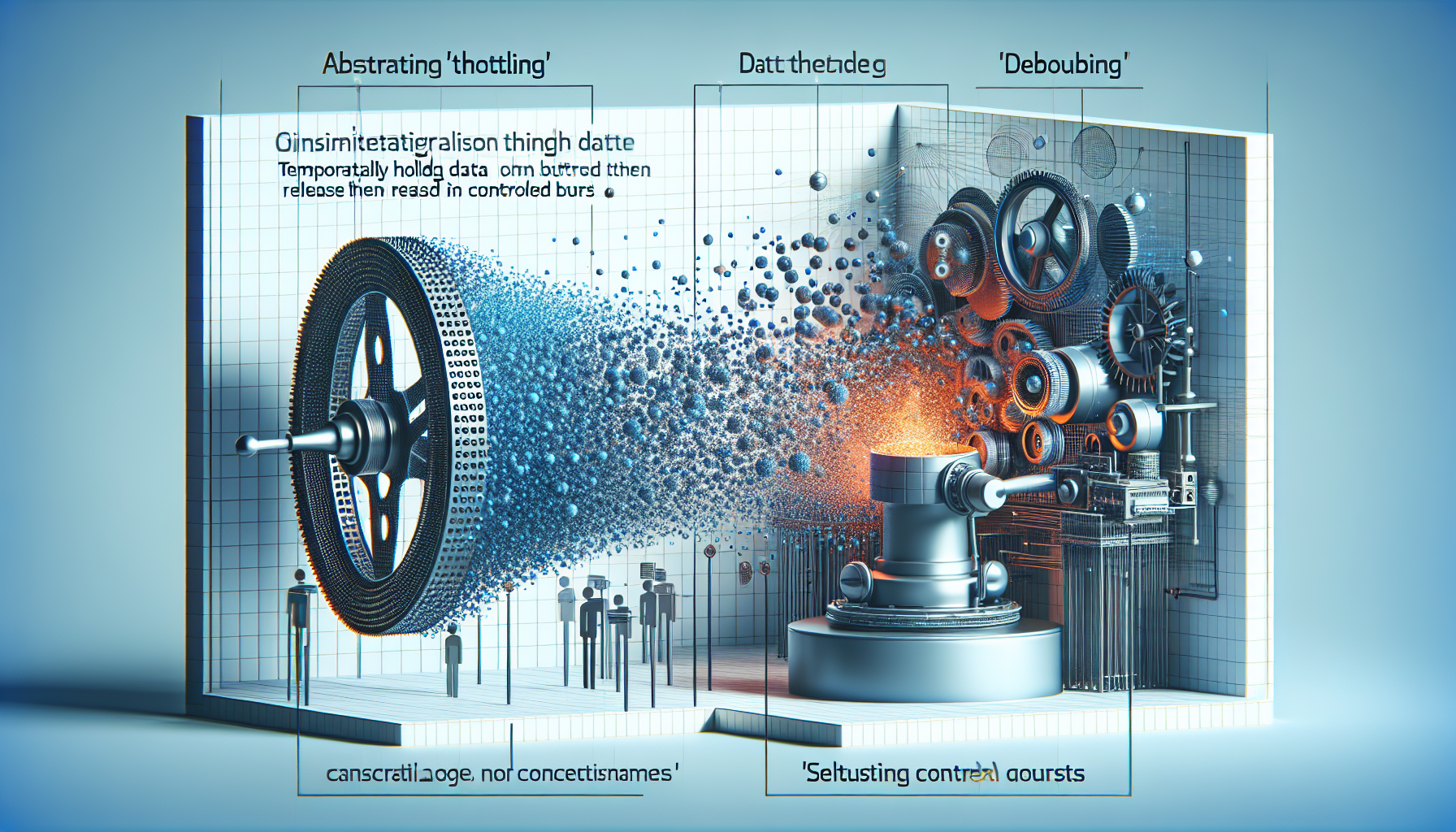
Understanding Throttling and Debouncing in JavaScript
Throttling and debouncing are two essential techniques in JavaScript for optimizing performance, especially when dealing with frequently firing events like scrolling, resizing, or key pressing.
What Are Throttling and Debouncing?
Throttling is a technique that allows us to control the number of times a function can be executed over time. What this means is that no matter how many times the user triggers the event, the attached function will be executed only once in a given time frame.
Debouncing, on the other hand, enforces that a function not be called again until a certain amount of time has passed without it being called. In essence, it groups a sudden flurry of events into a single one.
TL;DR: Quick Summary of Throttling and Debouncing in JavaScript
To quickly grasp the concept, imagine you have an event listener on a button that triggers a function when the button is clicked. With throttling, no matter how many times the button is clicked, the function will run once every specified interval, such as 2 seconds. With debouncing, the function will only run after a certain amount of time has passed without any clicks. Here’s a sample for debouncing:
function debounce(func, wait) {

  let timeout;

  return function executedFunction() {

    const later = function() {

      timeout = null;

      func.apply(this, arguments);

    };

    clearTimeout(timeout);

    timeout = setTimeout(later, wait);

  };

};

// Usage

const debouncedFunction = debounce(() => console.log('Button clicked!'), 2000);

document.getElementById('myButton').addEventListener('click', debouncedFunction);
This debounced function ensures that the console logs the message ‘Button clicked!’ only if 2 seconds pass without the button receiving another click.
Throttling and debouncing can significantly enhance user experience and system performance. In web development, these techniques prevent overloading the event handler and, subsequently, the JavaScript engine, by reducing the frequency of event handling.
Throttling in Action: Ensuring Smooth Scrolling
Let’s step heavily into throttling by tackling an all-too-common issue: smooth scrolling. Without throttling, a scroll event can fire off hundreds of times per second, which can bog down your site’s performance and lead to a janky user experience.
window.addEventListener('scroll', throttle(event => {

  console.log('Scrolling!');

}, 1000));
function throttle(func, limit) {
let inThrottle;
return function() {
const args = arguments;
const context = this;
if (!inThrottle) {
func.apply(context, args);
inThrottle = true;
setTimeout(() => inThrottle = false, limit);
}
};
}
Now, instead of logging “Scrolling!” every millisecond, it’s logged just once every second while scrolling, thanks to the throttle wrapper function around our event listener!
Debouncing: Handling Input Fields Efficiently
Imagine typing into a search field that fetches results as you type. Without debouncing, you could end up with a server call for every keypress. But by using a debounce function, we can group several keystrokes into a single event.
// Debounce function as mentioned before

// Example usage with search input field

const inputField = document.getElementById('searchInput');

inputField.addEventListener('keyup', debounce(function() {

  // Imagine this function fetches live search results based on input value

  console.log('Fetching results for', this.value);

}, 500));
By debouncing the search input’s keyup event, we ensure that the result fetch is executed half a second after the user stops typing, instead of making a call for every key press.
Integrating Throttle and Debounce Into Real-World Applications
Implementing throttle and debounce techniques is about understanding when a function should be called and controlling frequency to improve performance. These practices are critical when dealing with REST API calls, resizing events, or any high-frequency events.
Problems You Might Avoid With Throttling and Debouncing
If you’ve ever faced a laggy interface or server overload due to a high number of unnecessary requests, you might be encountering a situation where throttling or debouncing could help.
Pros of Using Throttling and Debouncing
Pros
- Throttling can ensure a more consistent user experience by reducing lag and avoiding performance hits from rapid event triggers.
- Debouncing helps to avoid unnecessary server load by preventing numerous function calls in a short space of time, such as when typing in a search field.
Cons of Using Throttling and Debouncing
Cons
- Throttling might not be ideal for tasks where every single event must be captured, as it intentionally limits function execution.
- Debouncing may introduce a slight delay in the user interface, possibly affecting the real-time feeling of responsiveness if not implemented carefully.
Common Misunderstandings About Throttling and Debouncing
While both throttling and debouncing aim to optimize performance, they are often mistakenly used interchangeably or applied in the wrong context, leading to subpar experiences.
Debouncing and Throttling – Frequently Asked Questions
What’s the main difference between throttling and debouncing?
Throttling is about limiting how often a function can be executed, while debouncing is about postponing function execution until a certain amount of inactivity occurs. Think of throttling as a fixed rate limit, and debouncing as a cooldown period.
When should I use throttling over debouncing, and vice versa?
Use throttling for events you want to handle at regular intervals, like scroll or resize events, where continuous input is expected. Use debouncing when you need the event to finish – like a user stopping typing – before triggering a function.
Can throttling and debouncing be used together?
Yes, in some cases, it’s sensible to use both. For instance, you might throttle button clicks to prevent spamming but debounce form submissions to ensure all form data is collected before proceeding.
How do I implement throttling and debouncing in JavaScript?
You can implement throttling and debouncing by writing custom functions or by using a utility library like Lodash, which provides _.throttle and _.debounce methods you can apply to your event handlers.
What are some use cases for throttling and debouncing?
Use throttling for actions like game mechanics, real-time data visualization, or any situation where you seek a consistent, controlled rate of event handling. Debouncing is great for input validation, live-search functionalities, or delaying auto-save features in applications.
Key Takeaways and Best Practices for Throttling and Debouncing
Remember, throttling is best for managing events that need to be handled at a certain rate, while debouncing is ideal when events should only be handled after an activity has concluded. Key best practices include avoiding using these techniques for critical events that require immediate attention and always testing to find the optimal timing settings that strike a balance between performance and user experience.
Optimal Timings for Throttling and Debouncing
Selecting the right timing for your throttle and debounce functions is crucial. If you set the time too short, you might not see any significant performance gain. Set it too long, and it could affect the user experience negatively.
For example, a scroll event with a throttle set to 300 ms is a good balance between reducing function calls and maintaining a responsive feel. On the other hand, for a debounce on a search input, a delay of 500 ms to 1 second usually gives users enough time to finish typing without a noticeable wait for results.
Best Practices for Implementing Throttling and Debouncing
When incorporating these techniques into your code, there are best practices that you should follow:
- Make sure throttling or debouncing is used only when necessary to avoid overcomplicating your code.
- Test different timings to see what works best for your specific use case.
- Remember the user experience; ensure that your application still feels responsive.
Respect user interaction and feedback by finding the sweet spot that reduces load while maintaining a seamless interface.
Throttling and Debouncing with Browser Events
When you add listeners to browser events such as scroll or resize, it’s essential to understand the impact on performance. Adding throttling or debouncing to these events can make a massive difference to the responsiveness of your application.
For example, by throttling the window resize event, you ensure that your resize handler isn’t called hundreds of times when a user is perhaps just nudging the window size. This gives a better experience and reduces stress on the browser’s rendering process.
Using Library Methods for Throttling and Debouncing
If you’re not keen on writing your own throttle and debounce functions, you can use libraries like Lodash or Underscore, which offer robust and tested methods for these techniques.
// Lodash throttle example

window.addEventListener('resize', _.throttle(function() {

  console.log('Window resized!');

}, 200));
// Lodash debounce example
const searchBox = document.getElementById('searchBox');
searchBox.addEventListener('input', _.debounce(function() {
console.log('Search:', this.value);
}, 300));
These library methods are straightforward to implement and come with additional options that can further enhance performance.
Real-Life Examples of Optimizing with Throttle and Debounce
Many popular applications use throttling and debouncing to optimize performance. Social media platforms, e-commerce sites, and search engines all use these techniques to handle user input and browser events efficiently.
In games, throttling is used to limit the rate of firing a weapon, while debouncing is used in search functionalities on e-commerce sites to reduce server requests.
Performance Testing Your Throttle and Debounce Implementation
Once you’ve added throttle or debounce to your application, performance testing is pivotal. Use tools like Chrome’s Developer Tools to monitor the number of events being fired and see how much you’ve reduced the load on the browser.
It’s also essential to observe CPU usage and rendering times to ensure your application is not only functional but also well-optimized.
Common Pitfalls to Avoid with Throttling and Debouncing
Some mistakes to avoid when using throttling and debouncing include:
- Applying them indiscriminately without considering the use case.
- Setting unsuitable timings that degrade the user experience.
- Forgetting to test and refine your implementation based on performance metrics.
Remember, while throttling and debouncing are powerful, they are not a one-size-fits-all solution and should be used judiciously.
Adapting Throttle and Debounce for Mobile and Touch Devices
Mobile and touch devices pose their own unique performance challenges. Tap and touch events behave slightly differently from regular clicks, and therefore, your throttle and debounce timings might need to be adjusted.
Consider the differences in user interaction patterns on mobile and test thoroughly to ensure your application remains responsive and efficient on these devices.
Throttling and Debouncing: The JavaScript Developer’s Utility Belt
Consider throttling and debouncing as vital tools in your JavaScript optimization utility belt. They help control the flow of events and manage resources effectively, much like a superhero controls their powers for the greater good.
With these techniques in your repertoire, you can ensure that your web applications are not only robust but also provide a smooth and user-friendly experience.
Throttling and Debouncing – Frequently Asked Questions
Do throttling and debouncing affect SEO?
While they don’t directly affect SEO, these techniques can indirectly improve SEO by enhancing the user experience and website performance, both of which are factors in search engine rankings.
Are there alternatives to throttling and debouncing?
Depending on the scenario, alternatives may include using requestAnimationFrame for visual changes or simply optimizing your event-handling code to be more efficient.
Can I apply debounce to a scroll event?
It’s uncommon to debounce scroll events because they typically require immediate feedback; however, in some cases, it may make sense if updating the UI isn’t time-sensitive.
How can throttling and debouncing affect user input?
If not implemented thoughtfully, they can make an application seem less responsive. Users might perceive a delay in feedback, which can be frustrating. Timing is key!
Is it recommended to write custom throttle and debounce functions?
For simple applications, writing your own may be instructive and sufficient. However, for more complex implementations, consider using a vetted library like Lodash.
Ensuring Accessibility When Using Throttling and Debouncing
Incorporating these techniques should never come at the expense of accessibility. Ensure that your implementation doesn’t hinder users relying on assistive technology from using your application effectively.
For example, when debouncing inputs, make certain screen readers have enough time to announce the changes, enabling visually impaired users to interact smoothly with your application.
Shop more on Amazon