Implementing Smooth Page Transitions with PHP and JavaScript
Understanding Smooth Page Transitions in Web Development
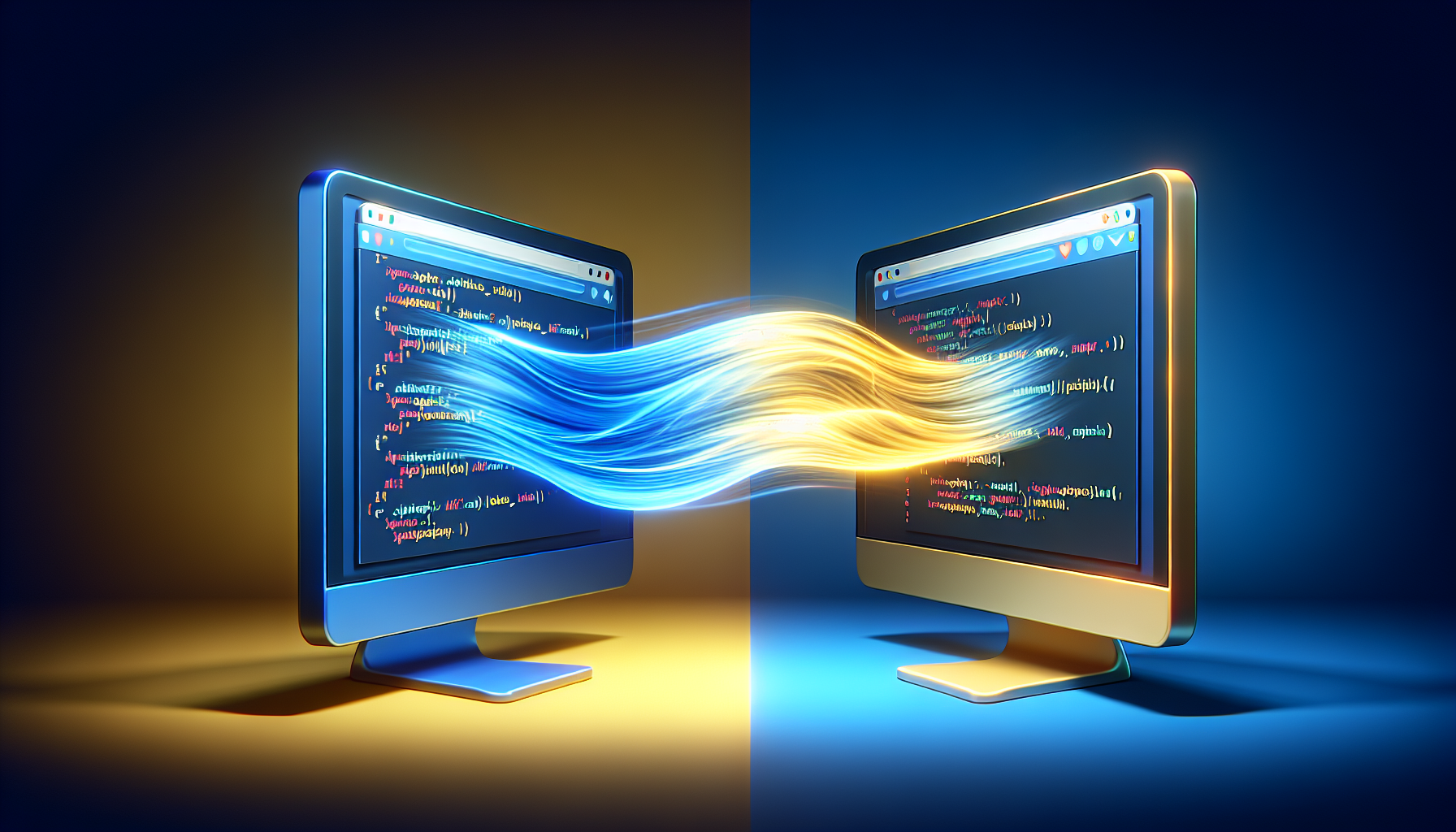
Smooth page transitions can transform your user’s browsing experience.
They create a seamless flow from one page to another, reducing the jarring effect of sudden page reloads.
Technical Requirements for Implementing Transitions
Before diving into implementing smooth page transitions, ensure you have a fundamental grasp on PHP and JavaScript.
PHP 7.x or higher and a modern JavaScript framework would be advantageous.
TLDR: Quick Guide to Smooth Transitions with Code Example
document.addEventListener("DOMContentLoaded", function() {

  document.querySelectorAll('a').forEach(function(link) {

    link.addEventListener('click', function(e) {

      e.preventDefault();

      var href = this.getAttribute('href');

      // Fade out the content

      document.body.style.opacity = 0;

      setTimeout(function() {

        // Redirect to the page

        window.location.href = href;

      }, 500); // Wait for 500ms before redirect

    });

  });

});
The above JavaScript snippet sets up your website to fade out before transitioning to a new page.
Creating a User-Friendly Transition Experience
Smooth transitions keep users engaged.
Eliminate abrupt page loads with a well-thought-out transition strategy.
Combining PHP and JavaScript for Seamless Transitions
PHP can pre-fetch data while JavaScript handles the aesthetic aspects of the transition.
This cooperation between back-end and front-end scripts ensures efficiency.
Step by Step: Implementing Transitions Using PHP and JavaScript
Firstly, set up your PHP to deliver content dynamically.
This is key to avoid reloading the entire page structure each time.
Next, employ AJAX calls within JavaScript to fetch content without a page refresh.
Lastly, add animation or transition effects using JavaScript or CSS to the content.
Example: AJAX Call with PHP Endpoint
// JavaScript to handle AJAX request

function loadContent(url) {

  var xhr = new XMLHttpRequest();

  xhr.onreadystatechange = function() {

    if (xhr.readyState == 4 && xhr.status == 200) {

      document.getElementById('content').innerHTML = xhr.responseText;

      document.body.style.opacity = 1;

    }

  };

  document.body.style.opacity = 0;

  xhr.open('GET', url, true);

  xhr.send();

}
This function fetches data from a PHP endpoint and updates the page content smoothly.
Optimizing for Performance
Minimize server load times with optimized PHP code.
Use JavaScript to manage transitions without heavy-lifting on the server-side.
Enhancing with CSS3 Transitions
Combine JavaScript logic with CSS3 transitions for visual smoothness.
This adds a layer of refinement to your page transitions.
Common Pitfalls to Avoid in Transition Implementation
Avoid excessive animations that can distract users or cause performance issues.
Ensure compatibility across browsers and that content is accessible when JavaScript is disabled.
Addressing Cross-Browser Compatibility
Test your transitions on different browsers to ensure consistent behavior.
Use feature detection libraries like Modernizr to handle discrepancies.
Frequently Asked Questions
How do I prevent the flickering effect during page transitions?
Ensure your transition effects are triggered after the new content is loaded, and use placeholders to maintain layout integrity.
Can smooth page transitions improve SEO?
Though not directly tied to SEO, they enhance user experience, which can indirectly affect your site’s ranking.
Are there JavaScript libraries that simplify creating transitions?
Yes, libraries like Barba.js and Swup.js can help manage page transitions with ease.
Is it necessary to use PHP for smooth transitions?
While not mandatory, PHP can effectively manage data fetching on the server-side, complementing the client-side JavaScript transitions.
Diving Deeper into AJAX and PHP Integration
Understanding the synergy between AJAX requests and PHP responses is vital.
The PHP script acts as an endpoint, dynamically generating content.
Writing a PHP Script for Dynamic Content Generation
Begin by creating a PHP file designed to return content for AJAX requests.
Structure your code to optimize for quick loading and rendering times.
<?php

header('Content-Type: application/json');
// Simulate database or API call
$content = array('title' => 'New Page Title', 'body' => 'New content loaded via AJAX.');
echo json_encode($content);
?>
This PHP script sends back a JSON response that JavaScript can use to update the page content.
Deep Linking and Browser History Management
Deep linking maintains a clear navigation path for users, essential for usability and SEO.
Use JavaScript’s History API to update the URL without page reloads.
// JavaScript for updating browser history

window.history.pushState({url: href}, '', href);
This code snippet adds the new page URL to the browser history, enabling bookmarking and back-button navigation.
Maintenance and Troubleshooting
Regularly review your code and monitor site performance to ensure transitions remain smooth.
Be ready to troubleshoot and refactor as browsers and technologies evolve.
Building Mobile-Responsive Transitions
Mobile users expect quick, responsive interactions, so your transitions must perform well on all devices.
Employ responsive design principles to cater to a variety of screen sizes.
@media (max-width: 768px) {

  /* Adjust transition effects for mobile screens */

  .transition-container {

    /* Mobile-specific styles */

  }

}
This CSS media query tailors the transitions to provide an optimal experience on mobile devices.
Preloading Content for Instant Transitions
For an even smoother experience, consider preloading content on hovering over links.
This technique loads the content before the user clicks, minimizing wait time.
document.querySelectorAll('a').forEach(function(link) {

  link.addEventListener('mouseover', function() {

    var href = this.getAttribute('href');

    // Preload content for the link URL

  });

});
This JavaScript snippet starts the preloading process as soon as the user hovers over a link.
Enhancements with Animation Libraries
To further boost the aesthetic appeal, incorporate third-party animation libraries into your transitions.
Select libraries that are lightweight and adaptable to your specific needs.
Accessing PHP Variables in JavaScript
To pass server-side data to the client-side seamlessly, embed PHP variables within your JavaScript.
Be mindful of security implications when exposing server-side data to the client.
<script>

var serverData = <?php echo json_encode($data); ?>;

console.log(serverData);  // Use the server-side data in JavaScript

</script>
This script tag shows how to pass data from PHP to JavaScript, allowing for dynamic use of server-side variables on the client-side.
Frequently Asked Questions
How can I ensure smooth page transitions work with user inputs, like forms?
Handle forms with AJAX, submit the data asynchronously, and provide feedback with a success transition or error message as appropriate.
Does using smooth page transitions affect accessibility?
Make sure transitions do not hinder the ability to navigate and understand the content. Employ progressive enhancement to ensure functionality when JavaScript is disabled.
Is it possible to create page transitions without JavaScript?
While JavaScript provides the most dynamic and interactive experience, CSS transitions can offer basic animations. However, they do not support the full user experience as JavaScript does.
How do I test page transitions during development?
Use browser developer tools to simulate different scenarios and devices. Implement automated tests using tools like Selenium or Puppeteer for thorough, repetitive testing.
Shop more on Amazon