Copy Paste Run

Copy Paste Run

  • PHP
  • JavaScript

Sort By:

A close-up illustration of a computer monitor displaying multiple browser windows with open source codes in it and the JavaScript logo. Above the monitor, there is a push-notification bubble popping out signifying the Notification API. To the side of the monitor is a coding notebook, a mug of steaming coffee, and a small potted plant, all arranged on a wooden desk. No brand names or logos are included in the image and there are no people present.

JavaScript and the Notification API

A computer screen displaying multiple windows with blocks of code, majorly written in JavaScript. On the screens, you see the cursor hovering over different elements, triggering tooltips. Each tooltip consists of a small, rectangular, fading in and out pop-up box that appears near the cursor. The box displays explanatory notes relevant to the element it's called upon. In another part, you can spot an open digital book referring to JavaScript, tooltips, and their creation. All elements are devoid of any text, brand names, logos or human presence.

Creating Tooltips with JavaScript

A large desktop computer running some lines of JavaScript code. It's evident the code involves decorators. Near the computer, a series of connected gears indicating the concept of functionality and smooth operations. A light bulb glowing above the computer symbolizing ideas and solutions. Further to the right of the image, a clear, open book with pages ruffling slightly, suggesting growth and learning. All items should remain brand-neutral and devoid of people and text.

Introduction to JavaScript Decorators

An image that illustrates the concept of JavaScript Event Delegation without including any text, people, brand names, or logos. The scene consists of a large tree, representing the Document Object Model (DOM). Each branch signifies a different element in the DOM, with small colorful circles serving as events clustered on its branches. A set of distinct arrows implying propagation flow from one branch to another, mirroring the event bubbling process. An individual arrow, larger and differently colored, signifies `event.target`, indicating the element that initiated the event.

JavaScript Event Delegation Explained

Render an image featuring a digital device such as a laptop, displaying a complex and interactive chart on its screen. The chart made with multiple vibrant colours representing different data sets. There are arrows, data points and lines showing interactions. Surround the laptop with coding paraphernalia like coffee, glasses, open source code books, etc. Please do not include any brand names, people, logos, or text in the image. Ensure that the digital device has a modern and sleek design but no specific brand features.

Building Interactive Charts with JavaScript

An abstract representation of JavaScript and browser events. The image features two main elements - a large, stylized cog-wheel and a browser window, both depicted in a simplified manner without any text or brand identifiers. The cog-wheel, representing JavaScript, is interwoven with numerous smaller, sparking nodes to symbolize the various functions and events. The browser window - an outline of a classic square shape with a smaller rectangular area at the top, symbolizes the user interface where these events take place. Noteworthy, is the way the nodes extend from the cog wheel to the browser window, capturing the interaction between JavaScript and browser events.

JavaScript and Browser Events: An Overview

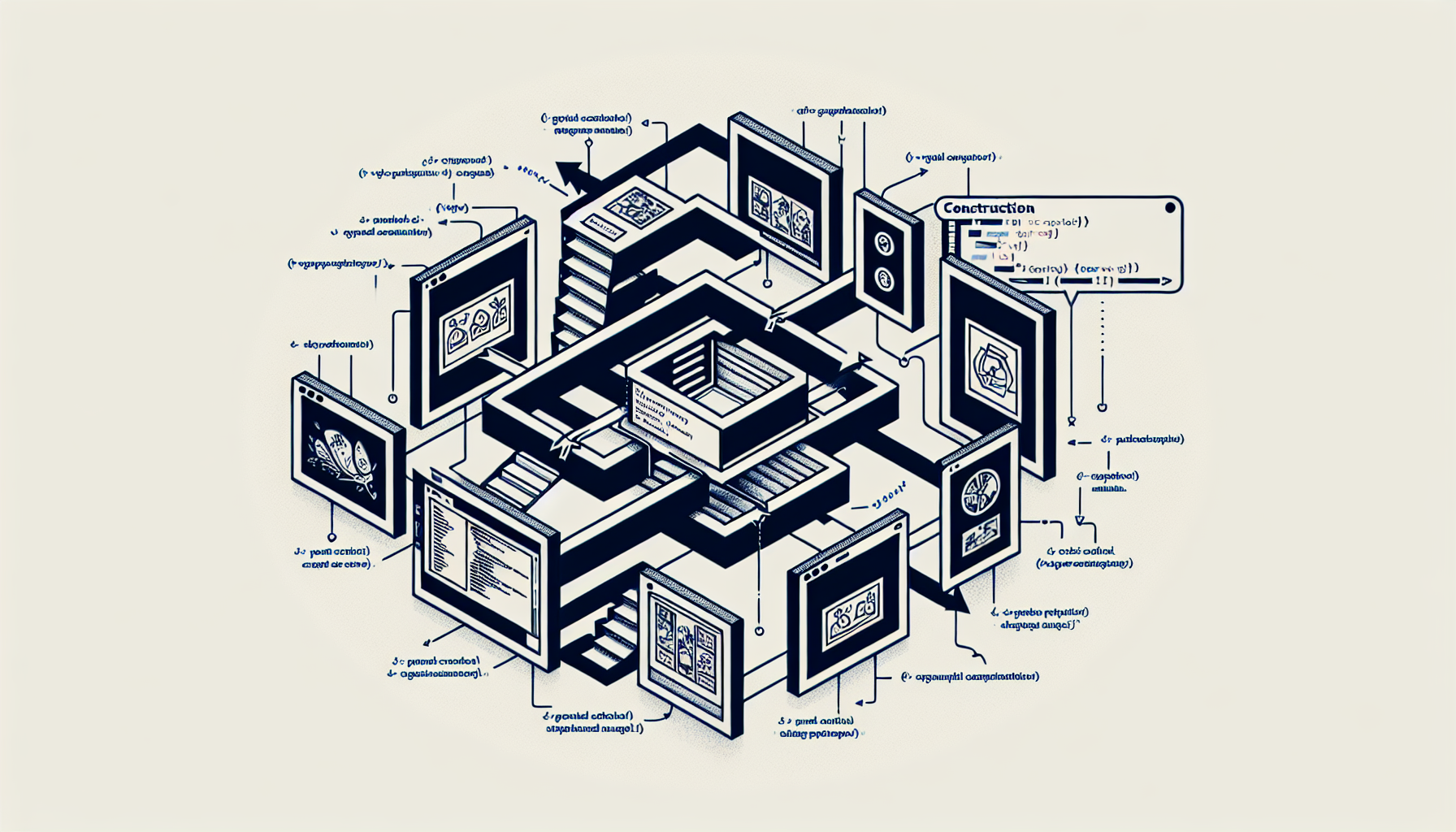
An simplified graphic representation of structures, coding, and flow of an image carousel created with JavaScript. This must be a high-level, diagram-like illustration. The image carousel should consist of multiple frames with generic, non-branded images inside, showing them in a flow sequence. Each frame appears in a carousel layout with left and right arrows to indicate the progress of the images. No people, text, brand names, or logos should be included in the visual representation. A code snippet or symbolic representation hangs above the carousel indicating construction with JavaScript.

Building an Image Carousel with JavaScript

An abstract representation of the concept related to JavaScript's Fetch API for HTTP requests. The scene should feature symbolic elements like a large arrow (indicating fetch or request), cloud (indicating internet), and rectangular blocks (representing data packets). A giant browser window floating in the sky could be shown to represent the web. Some code-like hieroglyphs in the background might reference JavaScript. All of these predominate in a tranquil and technological, abstract landscape. The code-like hieroglyphs, although present, should not form recognizable words, symbols, or logos.

Using JavaScript’s Fetch API for HTTP Requests

An abstract conceptual image signifying JavaScript and plugin creation. Imagine a work desk filled with diverse developer tools but void of any brand symbols or text. Visualize a bright computer screen illuminating a code editor open with an anonymous JavaScript code. Nearby lay a couple of flowchart diagrams drafted on a clear whiteboard, representing a plugin architecture. Surrounding those items are various gears and puzzle pieces, symbolizing custom plugin development. The image exudes the essence of coding and development, but without the presence of humans, brands or text.

Creating a Custom JavaScript Plugin

Visualize an abstract concept of JavaScript in an image showing the process of building a slider. The design of the slider should reflect various sliding elements that serve to adjust diverse values, mimicking the functionality of a typically adjustable slider component in a user interface. To represent JavaScript, depict symbolically objects associated with coding such as brackets, curly braces, semicolons without any accompanying text. Strictly avoid including particular brand logos, people or any form of text in the image. Include a rich palette of colors and attention to detail in the depiction of the slider and JavaScript elements.

Building a Slider with JavaScript

prev
910111213
next
Copyright © 2026
plants.
All Rights Reserved.
About
Advertisement Disclosure About Us Contact Us