Copy Paste Run

Copy Paste Run

  • PHP
  • JavaScript

Sort By:

An abstract image that represents JavaScript for Web Accessibility. The image should predominantly feature symbols related to JavaScript, such as curly braces, semicolons, and other code-like elements. Along with it, show some universally recognized accessibility symbols, such as an open hand or wheelchair, all woven into an abstract design. The design should not contain any human figures, text, or brand logos.

JavaScript for Web Accessibility

An image showing a straightforward web development scene. Visible on the screen of a sleek, generic computer is an abstract illustration: a simplified modal dialog box being coded. The structure should be clear enough to suggest programming in JavaScript, with properly organized blocks and brackets. The computer sits on a polished wooden desk with some accessories nearby: a generic mouse, a coffee mug without any text or logo, and a small, green potted plant for a touch of nature. Ensure there are no people, brand names or text visible in the image.

Creating a Modal Dialog with JavaScript

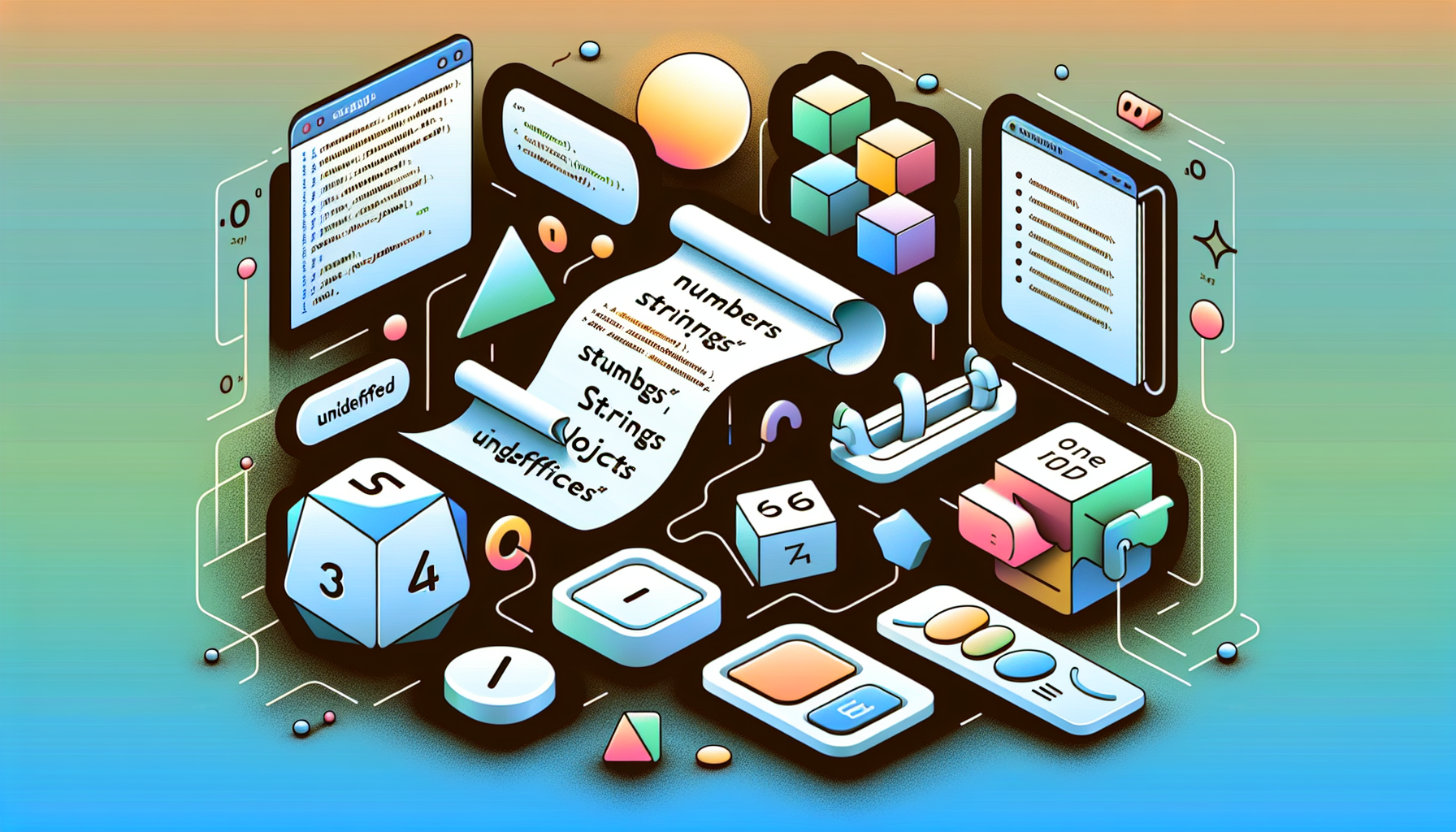
A detailed illustration of various JavaScript data types, such as numbers, strings, objects, booleans, and undefined. There are symbolic representations for each data type. For example, a numbered dice for 'numbers', a paper with quotations for 'strings', a group of different shapes interlinked for 'objects', a toggle button for 'booleans', and an empty box for 'undefined'. There are no brand logos, text, or people in the image. The background is a simple, gradient-themed digital landscape.

JavaScript Data Types Explained

An abstract image illustrating concepts related to JavaScript DOM Manipulation. Include visual elements such as curly braces and arrows, which can represent coding blocks and direction of data flow. The arrows link various geometric shapes, representing elements of the DOM. The setting is a faint, grid background, hinting at a coding environment. A bright spotlight in the center suggests a key tip or breakthrough in the manipulation process. No text, no brand names, logos, or people should be included in the image.

JavaScript DOM Manipulation Tips

An illustrated concept of a password generator created with JavaScript. Picture a sleek desktop setup featuring a modern computer display, keyboard, and mouse. The monitor screen glimmers with an abstract representation of JavaScript code - symbols, curly braces, and semi-colons, without featuring any actual code or specific function names. Next to the computer, imagine a digital lock symbol in mid-air, with complex intermittent patterns flowing from the computer towards the lock symbol, denoting the process of generating a complex password.

Building a Password Generator with JavaScript

A conceptual representation of the Clipboard API and JavaScript interacting, without the use of text. Show a large clipboard with abstract symbols, representing data being copied. Next to the clipboard, depict a JavaScript logo that is stylized to avoid brand identity, giving the impression of JavaScript, but without exactly replicating the logo. Display a symbolic interaction between the clipboard and the stylized JavaScript symbol, signifying the process of 'copy' and 'paste'. Make sure the scene is devoid of human figures, brand names, and logos.

JavaScript and the Clipboard API: Copy and Paste

A digital and modern setting featuring a computer screen displaying a vibrant and colorful quiz interface with different buttons and sections, reflecting the concepts of dynamism and interactivity. Dotting the environment are various elements symbolic of JavaScript programming such as different shapes representing abstract data types, curly braces signifying the syntax, and nodes to represent the Document Object Model (DOM). All the elements are unbranded and devoid of any text to adhere to the request.

Building a Dynamic Quiz with JavaScript

Create a conceptual representation of JavaScript's modules highlighting dynamic import and export. Visualize a group of abstract modules interconnected to each other, each represented by distinct geometric shapes. Show some modules 'importing' and 'exporting' smaller shapes, symbolizing data or elements in code, in a dynamic flow. Use primary colors such as blue, red and yellow for differentiation and maintain a minimalistic, clean design. There should be absolutely no text, brand names, logos, or human figures within the image.

Understanding JavaScript’s Modules: Dynamic Import and Export

An image visually demonstrating the concept of 'BigInt' in Javascript for arbitrary precision arithmetic. Picture a sea of infinite zeros and ones, in binary format, cascading in the background. In the foreground, two magnanimous hands, conjuring a magic sphere which contains an ongoing operation: one large binary number being divided by another, giving a very long and precise answer. To make the concept of 'BigInt' evident, include an oversized and detailed infinity symbol nearby, subtly merging into the surrounding binary sea. The scene looks like a metaphysical realm, stripped of human presence and real-world objects, emphasizing the abstract nature of the concept.

Understanding JavaScript’s BigInt for Arbitrary Precision Arithmetic

Generate an abstract image symbolic of JavaScript's Atomics and SharedArrayBuffer without depicting any people, brands, or textual elements. Picture a metaphoric scene with intertwined wire-like elements simulating programming codes and Binary trees illuminating with different colors to signify data points. Incorporate also a blue crystal ball signifying unity and coexistence in the midst of these complex structures. Small orb-like structures ensnaring various areas within these trees, indicating concurrent programming. The image should encompass the vastness and interconnectedness associated with the realm of Concurrent Programming in JavaScript.

JavaScript’s Atomics and SharedArrayBuffer: Concurrent Programming

prev
1213141516
next
Copyright © 2026
plants.
All Rights Reserved.
About
Advertisement Disclosure About Us Contact Us