Copy Paste Run

Copy Paste Run

  • PHP
  • JavaScript

Sort By:

Create a detailed and vibrant image symbolizing the creative power of JavaScript and its usage in web design. The scene should depict a flat, minimal and professional website interface glowing with dynamic, colourful patterns and animations, all emanating from a hovering JavaScript logo at the center, indicating its role in creating those effects. Include interactive elements like buttons, forms and navigation bars reacting to hypothetical user interactions. Avoid including any identifiable brand names, logos, humans or text in the image.

Using JavaScript to Create Dynamic Background Effects on Your Website

A minimalistic scene depicting the symbolic elements related to building a JavaScript library. Visualize a clear desk with a laptop, a virtual stack of online documents being categorized into folders, and 3D models of brackets and curly braces hovering over the laptop's keyboard, representing coding structures. Picture an abstract structure being built with labeled blocks to represent the library's creation, avoiding any brand names or logos. Finally, add a blueprint in the background for an architectural touch, a nod to the planning needed in library construction.

The Basics of Building a JavaScript Library

An abstract representation of programming concepts in JavaScript. Show a balanced pair of scales, with two questions marks on one side, symbolizing the Nullish Coalescing Operator (??), and on the other side, display a cluster of JavaScript related symbols like curly braces, semi-colons, and parentheses. Set the backdrop to a minimalist, digital style landscape with a matrix of 0s and 1s subtly incorporated into it, giving the feel of a programming environment. All elements must not have any text, brand names, people, or logos.

Understanding JavaScript’s Nullish Coalescing Operator (??)

An illustration depicting the process of creating a JavaScript slider. The image shows a computer screen displaying lines of JavaScript code. Next to the screen, there are graphic elements representing programming tools. There's a virtual slider moving between these elements, symbolizing the extraction of tools to form a functioning JavaScript slider. All the objects are generic and unbranded, and no people or text are included in the scene.

How to Create a Simple JavaScript Slider Without Any Libraries

An illustrative image for an article related to JavaScript Generators and Iterators, devoid of any text or human figures. The image contains symbolic representations linked with programming and iteration. Includes two contrasting elements, one signifying 'Generators' portrayed as a machine producing multiple geometric patterns in sequence, and the other indicating 'Iterators', depicted as an infinite loop interlinking the geometric patterns. Ensure that there are no brand symbols, logos, or text within the items in the image.

Introduction to JavaScript Generators and Iterators

An image illustrating the abstract concept of JavaScript's role in Progressive Web Apps, without any text or brand names. The scene could include JavaScript represented by a schematic diagram of code inputting into a simplistic abstract device symbolizing a Progressive Web App. This device could be presented as a futuristic tech object, radiating with vibrant colors to show its dynamic nature. The process should appear seamless and efficient without any human interaction. No inclusion of people or logos, just symbols and metaphors.

The Role of JavaScript in Progressive Web Apps (PWAs)

An image showing a three-dimensional graphical representation that could be created using WebGL in JavaScript. The graphics include geometric shapes suspended in a digital landscape, giving an abstract yet modern feel. The environment applies different light effects, such as shadows, refractions, and reflections. The geometric shapes display various textures to demonstrate the possibilities of 3D graphics. Please ensure no text, no people, no brand names, and no logos are visible in the image.

Getting Started with WebGL in JavaScript for 3D Graphics

An image depicting the concept of dynamic web theming with JavaScript and CSS. In the center, visualize a laptop with lines of code appearing on its screen, symbolizing JavaScript language. Next to it, a printed sheet with CSS rules, represented as stylized symbols, to indicate CSS variables. Radiating emanations flow from the laptop and the sheet to a web browser window, showing a web page that is dynamically changing colors and styles, but without any brand names or logos. There are no people or any text included in the scene.

How to Use JavaScript to Modify CSS Variables for Dynamic Theming

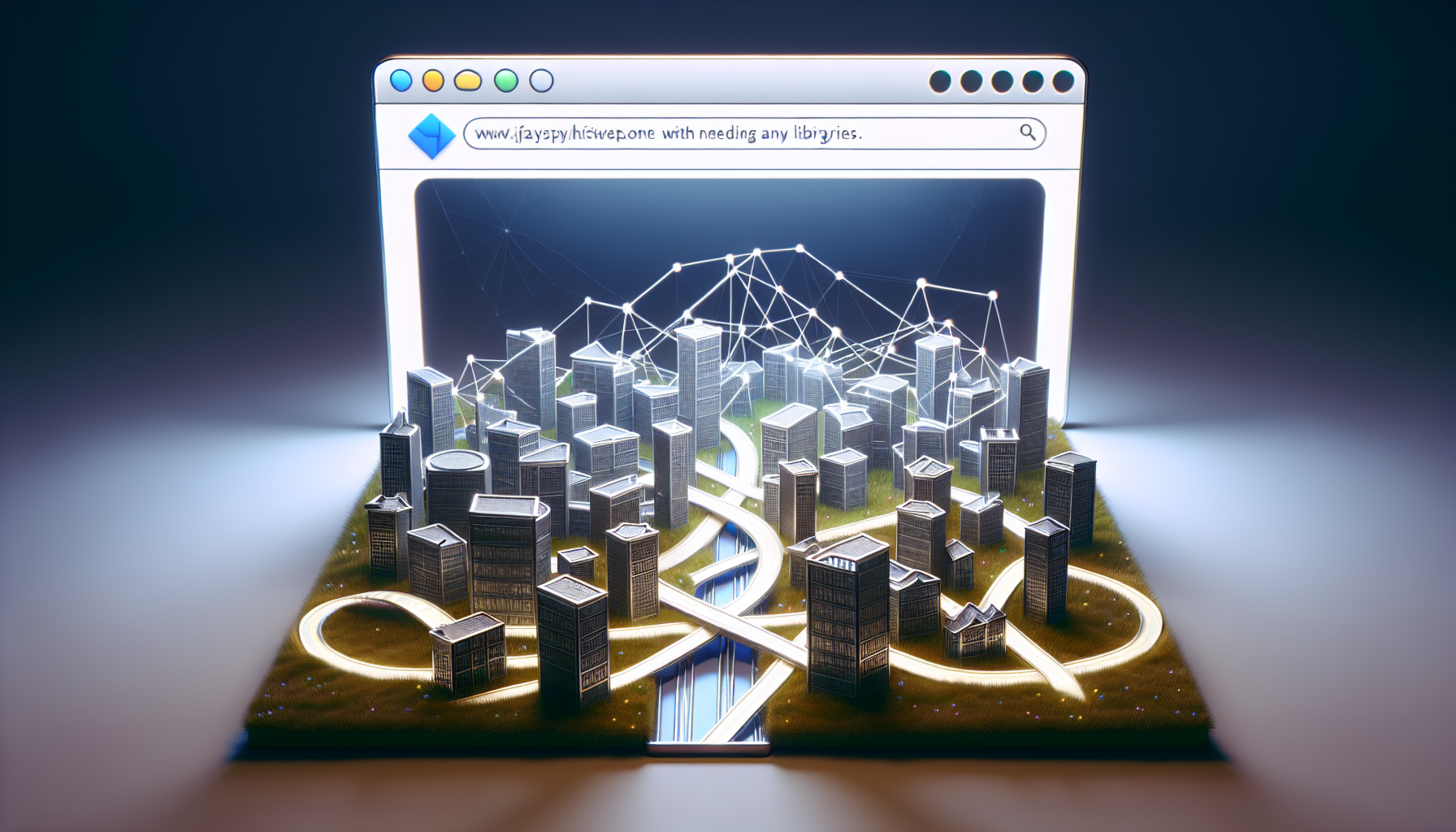
An image representing the concept of the JavaScript History API for the purpose of building Single Page Applications (SPAs) without needing any libraries. The centerpiece of the image is a large, three-dimensional browser window. Inside the window, instead of a webpage, there is a detailed, interactive 3D model of a city with various buildings signifying disparate web pages of an SPA. A network of roads symbolizing different routes connects the buildings, navigating the landscape fluidly and highlighted with a glowing effect to symbolize the History API in action. No people, brand names, or logos are present, and no text is visible.

JavaScript’s History API: Building Single Page Applications Without Libraries

An abstract image related to JavaScript coding. The center of the image features a large, translucent, golden-bronze curly brace symbol - a characteristic of script coding - looming over a backdrop of modular, three-dimensional interconnecting cubes, representative of modular coding. The cubes have different shades of blue, creating a sense of diversity, multiplicity and interspersed amongst the cubes are smaller curly brace symbols subtly glowing. In the background, hints of binary codes fade into obscurity, giving a subtle nod to the digital nature of the theme. Despite being abstract, the image gives off an captivating and complex vibe synonymous with coding and JavaScript.

Creating Custom JavaScript Events for Modular Code

prev
1516171819
next
Copyright © 2026
plants.
All Rights Reserved.
About
Advertisement Disclosure About Us Contact Us