Copy Paste Run

Copy Paste Run

  • PHP
  • JavaScript

Sort By:

An abstract representation of the process of integrating external APIs with a web platform for enhancing its features. Imagine a 3D blueprint of a fanning out network structure denoting an API, with one end merging into a stylized, indistinct web platform symbol. Diagrammatic symbols signifying coding, communication, and data transfer are visible floating around. The whole image carries cool-toned colors like blues and purple, showing technological sophistication. No brand names, logos, people or text in the image.

Integrating WordPress with External APIs for Expanded Functionality

An image showcasing a detailed schedule displayed on a computer screen. The screen overflows with aesthetically arranged time slots, tasks, and deadlines, symbolizing a content scheduler. Also, visualize a step by step process depicted through generic icons, such an icon of a gear for settings, or an icon of a clock for scheduling, without any brand logos or brand names. Further, add a representation of 'Cron Jobs' through an icon of a cog interlocking with a calendar. The surrounding environment is a simplistic workspace with no human presence.

How to Create a Content Scheduler in WordPress with Custom Cron Jobs

Create a visually appealing and informative piece depicting the concept of customization. Show an array of different abstract icons symbolizing varied post types, placed on distinct, vividly colored shapes that suggest versatility and customization. Spotlights focused on each icon suggest the enhancement or modification process. Nearby, an artist’s palette brimming with a myriad of paint colors is implying the creativity aspect. An adjustable wrench poised above it all emphasizes the idea of adjustment and fine tuning. Although the request is specifically about WordPress, no brand names or logos will be shown.

Customizing WordPress Excerpts for Different Post Types

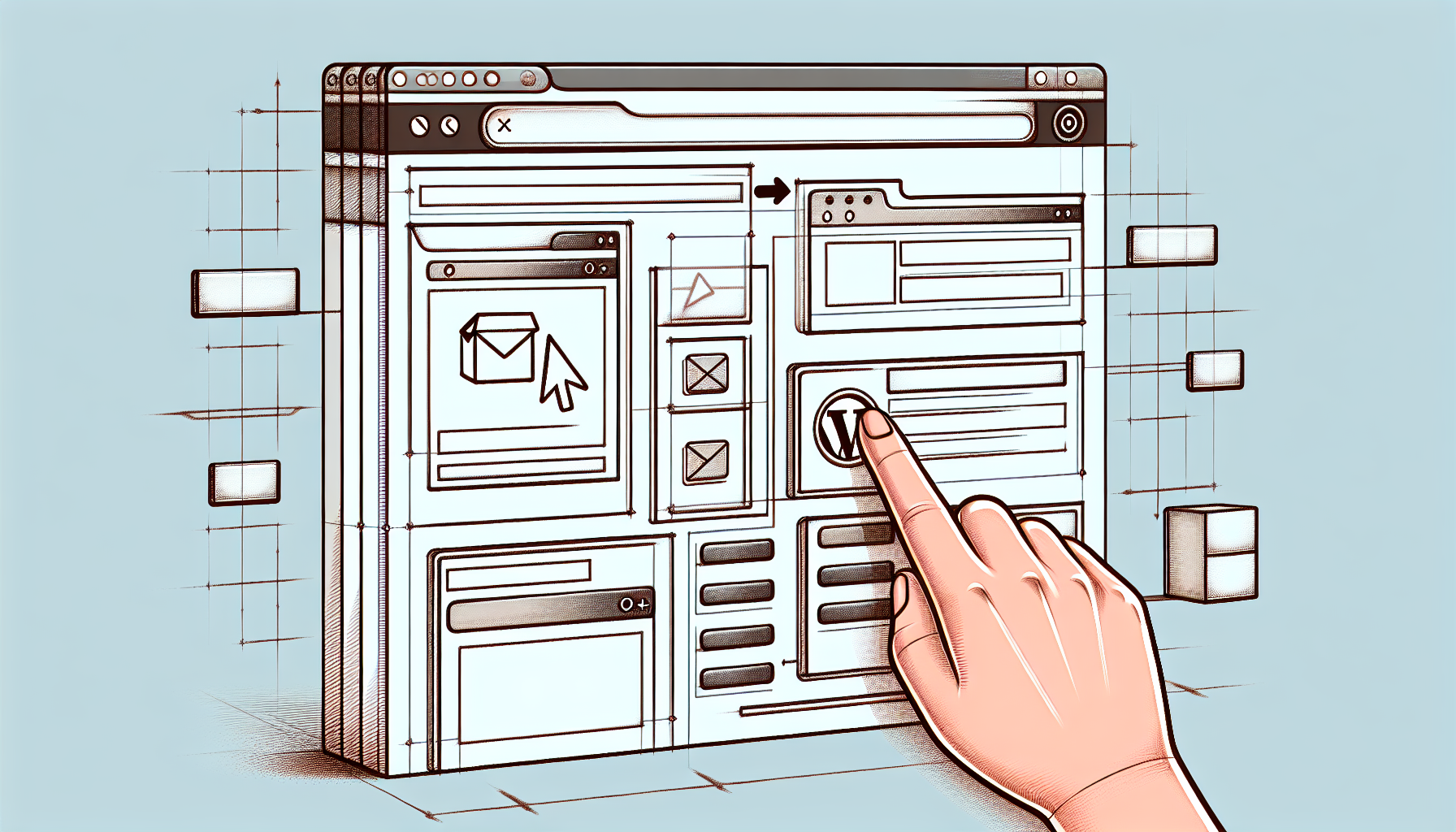
A digital illustration of the process for building a WordPress notification bar without a plugin. The image is divided into step-by-step stages. The first stage shows a blank website interface, probably in a web browser. The second stage includes a drawn pointing hand cursor icon adding elements on the website, like a box near the top. The final stage portrays a fully prepared notification bar on the website, without displaying any text or brand names. The overall tone of the image carries a sense of progression and accomplishment, while sticking to a clean, minimalist aesthetic.

Building a WordPress Notification Bar without a Plugin

A conceptual illustration depicting the process of enhancing custom post type archives with additional filters in WordPress without using any text or brand logos. The image consists of various abstract shapes representing data archive boxes with symbolic filters, floating above an imagery grid representing a website structure. Finely dotted lines connect the grid and the floating elements, indicating the flow of information. Note that there are no people involved in this scene as per the request.

Enhancing Custom Post Type Archives with Additional Filters in WordPress

A computer screen displaying various customization options for a generic website dashboard. On the screen, various draggable and resizable widgets are visible. Some widgets include charts for traffic statistics, a calendar, to-do lists, and post drafts. To symbolize the process of plugin creation, a graphical representation of a puzzle piece being fitted into the dashboard is shown. The puzzle piece is glowing to indicate activation. Colours used are neutral and soothing to the eyes. No brands or people are depicted. The overall image conveys the concept of customization and individualization of a web dashboard using a plugin.

Creating a WordPress Plugin for Dashboard Customization

An uncluttered, visually intuitive representation of a WordPress dashboard with custom metrics added to the site health section. The dashboard should feature the generic framework of tabs and sections typically seen in WordPress, without specific text or brand labels. Some of these sections are highlighted to represent the extra metrics being added. No people or logos should be present in the image. Symbols such as a gauge or bar-graph can be used to imply the concept of metrics. Incorporate slight gradients and shadows to achieve a modern and professional look.

How to Add Custom Metrics to WordPress Site Health

An image focusing on website maintenance and programming, highlighting key elements related to the topic. Display a computer with code on the screen, emphasizing the concept of scripts and automation. Alongside, showcase typical symbols for health checks in the context of websites like checkboxes, speedometer, and gears for optimization. Please create the setting in a minimalist, officesque environment with a modern touch. The image should be devoid of any human presence, text, brand names, and logos.

Automating WordPress Site Health Checks with Custom Scripts

An abstract digital representation of a RESTful network in action: various interconnected nodes representing endpoints, data packets flowing from one node to another, symbolic to the extension and customization capabilities of a certain Content Management System's (CMS) REST API. The colors of nodes changing as if undergoing transformation, and they are linked through digital signals, representing the data flow. Stick to generic shapes, lines, and color gradients, making it a creative and conceptual image.

Customizing and Extending WordPress REST API Responses

A detailed scene of a laptop displaying a WordPress dashboard, with icons symbolizing different user roles, like an admin, subscriber etc, around the screen. On the side, a page of coded features related to role-specific actions hovers in the air. In the background, an API diagram is visible, consisting of interlinked circles and lines demonstrating the connection between these coded features and user roles. Everything in the image is created in a generic manner, with no identifiable branding, people, or text.

Implementing Role-Specific Features in WordPress with Capabilities API

prev
3334353637
next
Copyright © 2026
plants.
All Rights Reserved.
About
Advertisement Disclosure About Us Contact Us