Copy Paste Run

Copy Paste Run

  • PHP
  • JavaScript

Sort By:

An illustration showing a customization process on a computer screen. On the screen, a user-friendly interface with several modules and widgets is visible, representing a content management system but without direct branding. A distinct widget is highlighted, symbolizing a custom post type. The design should not include any text, people, brand names, or logos. The surrounding environment can be a minimalist office setup with a modern desk and chair, a contemporary keyboard, a mouse, and a plant for a touch of greenery.

How to Create a Custom WordPress Widget for Recent Custom Post Types

An image representing real-time chat functionality in the realm of web development, without any people. Visualize an abstract concept of WordPress plugin development, indicated by well-organized, neatly aligned lines of code on a computer screen. The code forms an abstract outline of a chat bubble, signifying the concept of a chat plugin. Near the screen, a coffee mug and a pair of glasses lays, suggesting a programmer's desk. No text, brand names, or logos are included in this picture. An intriguing mix of cool blue light illuminating from the computer screen and warm ambient light from the surroundings make up the composition.

Developing a WordPress Plugin for Real-Time Chat Functionality

A detailed image conveying the concept of A/B testing, content customization and WordPress plugin development. It could manifest as a computer screen showing two different layouts, each layout being a representation of A and B scenarios, with abstract symbols but no text or brand names. Beside the screen, a 3D model of gears and cogs, symbolizing the plugin development process, with a WordPress-like but not identical logo. All shapes and symbols are visually independent and detached, reflecting a sense of modular plugin behavior. The overall color scheme is an appealing balance of teals, greys and whites.

Creating a WordPress Plugin for A/B Testing Custom Content

A vividly expressive visual interpretation of a web development environment, specifically focused on WordPress theme development workflow improvement. Prime emphasis is put on symbolizing Sass, a scripting language for simplifying and enhancing CSS. Illustrate a sleek workstation featuring an abstracted representation of code on the computer screen, with a cascade of colorful style sheets symbolizing Sass. Add in other elements typical of a developer's workspace like coffee mug, headphones, notes but ensure they don't contain text or brands. All should carry an aesthetic of orderliness and efficiency.

Optimizing WordPress Theme Development Workflow with Sass

An illustration showing the process of enhancing a generic website's navigation. At the top, there's a simple navigation bar with basic links. Below it, a hand is depicted as clicking one of the links, triggering a dramatic transformation. The link expands into a mega menu with various categorized sections, depicted as boxes with icons representing different website sections like blog, portfolio, shop, and more. The whole process makes the website much more user-friendly. No human figures or visible text are featured, and no identifiable brand elements are used.

Enhancing WordPress Site Navigation with a Mega Menu Plugin

An abstract representation of an advanced membership system. The image should portray a series of ascending platforms, which symbolise the tiered access levels. On each platform, place symbolic elements representing different features or benefits of the membership levels - such as icons of unlocked padlocks, treasure chests, or keys. Ensure that the elements progress from simpler to more elaborate as the levels ascend. Color code the platforms to visually differentiate between them. Maintain an abstract, modern style. Avoid including any real-world brand names, logos, text or human figures.

Building an Advanced WordPress Membership System with Tiered Access Levels

A minimalist representation of a WordPress website having distinctive elements such as header, footer and a blog post layout filled with generic content blocks symbolizing structured data. Show an array of rich snippets illustrated as small cards floating above the website, symbolizing the output of the structured data, like reviews, business information, and recipe details. Do not include any people, text, logos, or brands.

Implementing Structured Data in WordPress for Rich Snippets

A visual representation depicting the process of creating a personalized user content recommendations system for a generalized content management platform. Image to include: a generic computer screen with lines of code which symbolize the plugin creation, a cloud symbolizing data storage, a flowchart representing the recommendation algorithm, and different types of content items like blog entries, news articles, and videos. Keep imagery generic to avoid brand implications. No humans or text are to appear in the image.

Creating a WordPress Plugin for Personalized User Content Recommendations

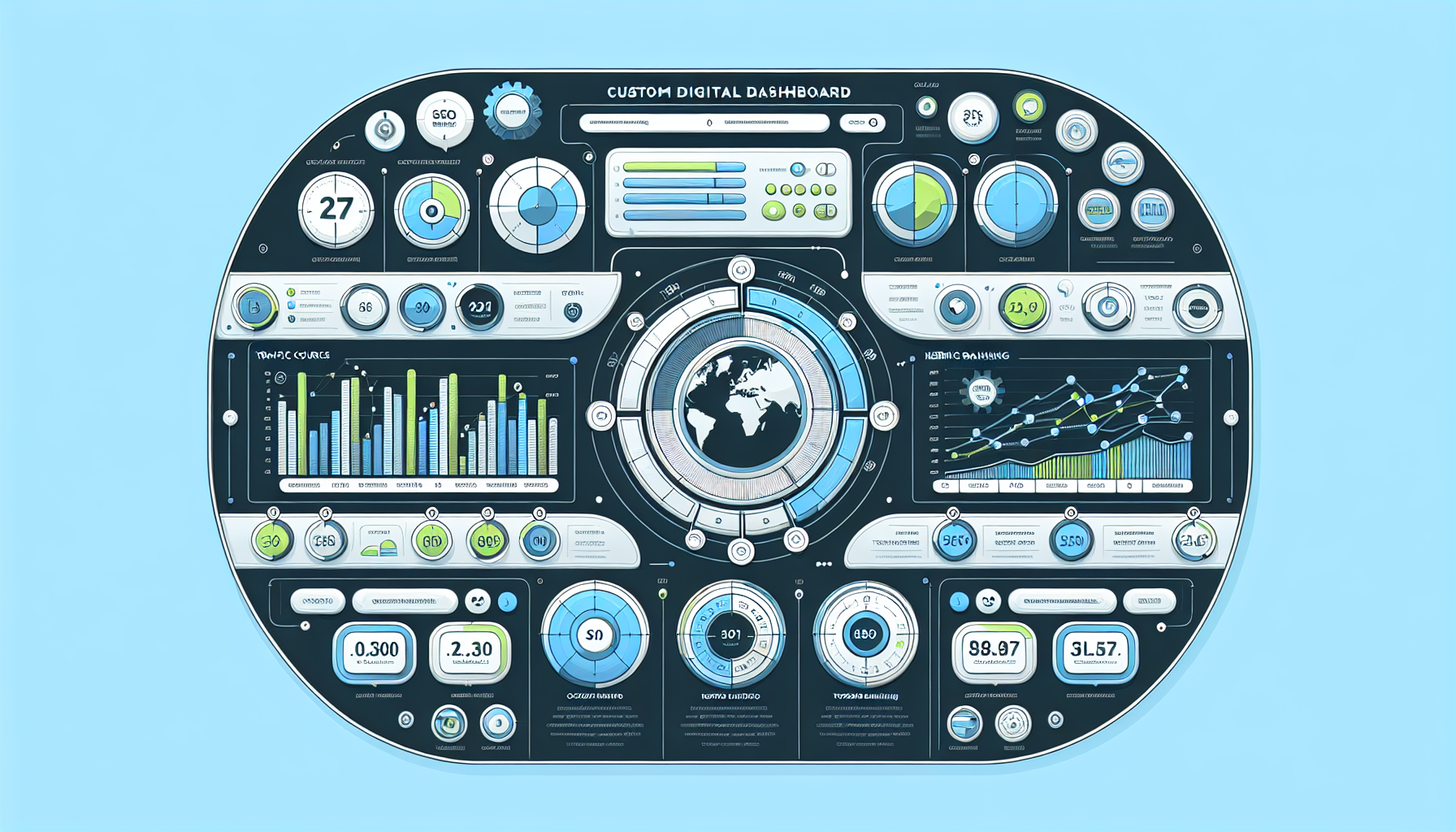
Visualize a custom digital dashboard detailed with various optimized SEO monitoring tools. Exclude all text and brands. The dashboard should be clean, with sections showing bar graphs, pie charts, and line graphs signifying different SEO metrics and elements. Add features like a world map indicating traffic sources, a keyword ranking chart etc. Colors should be pleasant and engaging, use shades of blue, green, and white. There should be no human figures, only the tools and features of the custom Wordpress dashboard for SEO Monitoring.

How to Build a Custom WordPress Dashboard for SEO Monitoring

A detailed 3D illustration of a computer workspace. On the desktop screen, we see an abstract, non-brand-specific design of a calendar interface, indicating an appointment schedule setup. Next to it, let's have a pile of custom-designed, generic documents representing 'Custom Post Types'. The whole scene has a minimalistic design and a neutral color scheme. There are no people in the scene, no text on any items, nor any brand logos visible.

Developing a WordPress Plugin for Appointment Bookings with Custom Post Types

prev
3839404142
next
Copyright © 2026
plants.
All Rights Reserved.
About
Advertisement Disclosure About Us Contact Us