Copy Paste Run

Copy Paste Run

  • PHP
  • JavaScript

Sort By:

Visualize a scenario representing the concept of multilingual websites. Show a 3D model of a globe, with computer screens orbiting around it. Each screen is displaying a website, but in a different language, indicated by distinct, non-branded generic symbols such as flags or alphabets. Also, depict the electronic representation of language translation like code lines converting from one language into another. Remember, the concept is to illustrate running WordPress multilingual site without displaying text, people, brand names or logos.

How to Set Up WordPress Multilingual Sites

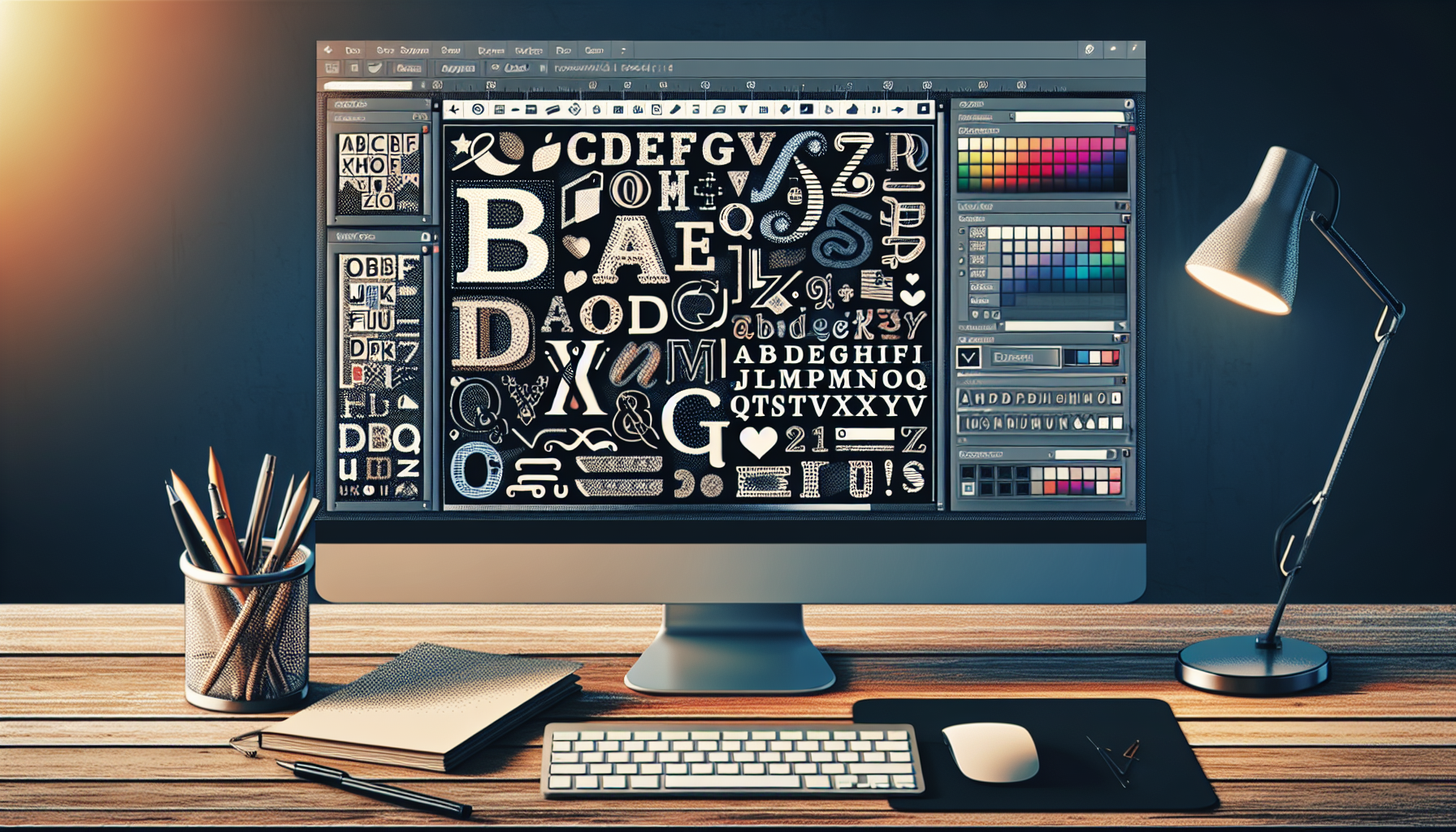
Generate an image representing the concept of using custom fonts in a blogging platform. Show a digital workspace with a computer screen displaying a variety of stylized and unique alphabets, applying text on a simple layout. Include a mouse and keyboard, too. No text should be legible. Depict the process of editing and layout designing without demonstrating any specific branded platform or using identifiable logos.

Using Google Fonts in WordPress: A How-To Guide

A visually engaging representation of an interactive website. Visualize a computer screen displaying clickable elements such as icons, arrows, and buttons interspersed throughout the content, indicating where users can interact. The design should have no explicit mention of WordPress, yet still hint at the concept of improving the interactivity of a website platform. The display on the screen might include elements such as comment bubbles, 'like' hearts, share icons, and various types of multimedia (audio and video players, for instance). The vibe should be modern, sleek and inviting, symbolizing a comfortable user experience. Despite the instruction, please note that there are no humans and no brands/logo in the image.

How to Make Your WordPress Site More Interactive

A digital vector art illustration of a sleek jetpack device symbolically hovering over a cleanly structured graphic representation of a website, indicating a connection. The jetpack is stylistically divided into two parts: one side is vibrantly colored, detailed, and gleaming, showing the advantages of using it. The other side is rendered in grayscale, signifying possible drawbacks. There are no human figures, text, brand names, or logos in this image.

The Pros and Cons of Using Jetpack for Your WordPress Site

A highly detailed image indicating the process of creating an FAQ section in WordPress. The image includes visual cues such as a button labeled 'FAQ' on a mouse click and symbolic images of best practices such as lock and check symbols indicating security and correctness. User interface elements of WordPress are included without any text or brand information. The representation of the process includes drag and drop actions and checkboxes indicating multi-step actions. Ensure the setting of the image is neutral without the presence of humans.

Creating an FAQ Section in WordPress: Best Practices

An illustration that visually represents the process of optimizing a WordPress database using a general software interface. The image includes a detailed view of a generic, non-branded computer screen displaying a database structure. There are various tables, rows and columns visible on the screen. The screen also shows a cursor pointing towards an 'optimize' button. Additionally, there are symbolic arrows and lines indicating the flow of data, performance improvement and speed, with a green check mark implying successful optimization. All these elements are sitting on a minimalist, modern desk environment with no people around, as per request.

How to Optimize Your WordPress Database with phpMyAdmin

An image illustrating the concept of managing large files in a blog's media library. Envision multiple large files represented by oversized versions of typical file icons (like a PDF icon, a video play button icon, or an audio waveform icon). These files are in a digital space, organized neatly on abstract shelves that symbolize the media library. A series of ethereal, gloved hands are shown, representing an invisible user, moving and categorizing these files, highlighting an efficient sorting system. There should be no people, text, brand names, or logos present in the image.

Managing Large Files in WordPress Media Library

An image for an article related to creating donations on a website. In the foreground there should be a computer screen showing a generic website building platform with a clearly highlighted area indicating where to integrate a donation functionality. The window's open tab showcases a stylized 'donate' button. The background should be abstract and digital, reminding the viewers of technology and the Internet. The image should not include any brand logos and also no human characters. Please remember that no actual text should be included within the image.

How to Add a PayPal Donate Button to Your WordPress Site

An abstract representation of a comparison, capturing the essence of a typical decision-making scenario. In the center, there's a scale but instead of weighing physical objects, it's metaphysically weighing three distinct symbols: a feather, a gear, and a crystal. Each symbol portrays characteristics of softness (feather), complexity (gear), and solid structure (crystal). The surrounding environment is relatively neutral and unembellished to keep the focus on the focal point - the scale and its unique contents. This concept abstractly parallels the decision process one might go through when selecting between different systems.

WordPress vs. Joomla vs. Drupal: Which Should You Choose?

Depict a step-by-step manual creation process using symbols and objects. The first step may show a lightbulb symbolizing an idea, followed by a pencil and paper for drafting a plan. Then show a coded lock to represent membership creation, follow this with a symbol of the globe encapsulating a network of nodes, to denote a global network or the internet, hinting at WordPress. Also, have an image of a blank laptop screen as a nod to the online aspect of the site and a protective shield to symbolize site security. No humans, brand names, or logos should be included.

How to Create a Membership Site Using WordPress

prev
4445464748
next
Copyright © 2026
plants.
All Rights Reserved.
About
Advertisement Disclosure About Us Contact Us