Copy Paste Run

Copy Paste Run

  • PHP
  • JavaScript

Sort By:

An abstract illustration focusing on the concept of building web pages, with all text and brands omitted. Display a minimalist workspace with a desktop computer, a mouse, and a keyboard. On the computer screen, show dynamic blocks that seem to be snapping together, symbolizing the page building process. Next to the desk, include symbols of a balance scale to signify pros and cons, and a compass implying best practices. Also, create a background with outlines of gears and cogs representing the underlying mechanics of page building. For the color scheme, use soft tones of blues and greys, possibly with a touch of line-art design.

WordPress Page Builders: Pros Cons and Best Practices

An image interpretation of integrating social media into a WordPress site. The image should be visually descriptive of this concept but free of brand names, logos, text, and human characters. This might include abstract symbolisms, such as interconnecting arcs or nodes (representing integration) over a backdrop that could evoke the feeling of a 'website' or generic 'blogging' without any words or recognizable brand symbols. At the same time, it might include representative symbols (not actual logos) of social media – which could be different shapes like a bird or a chat bubble – and some symbol suggesting connection or integration, like arrows or lines.

Adding Social Media Integration to Your WordPress Site

An abstract composition illustrating the concept of using the WordPress REST API for custom applications. Within the image, depict a digital interface featuring various generic icons signifying applications, network connections, and coding symbols. Highlight the flow of information with glowing lines and arrows, and surround this central network with a faint, ghostly silhouette of enveloping hands, suggesting the idea of customization. The color scheme should be vibrant, with the blues and purples associated with digital technology. There should be no text, people, brand names, or logos in the image.

How to Use the WordPress REST API for Custom Applications

Illustrate an abstract representation of a hacked WordPress site. Depict a symbolic image of computer code visibly broken or corrupted, communicate disruption with elements like jagged lines and disarray. Then transition into the depiction of fixing it, illustrate symbols of repair and healing like tools, coding symbols forming a bridge, binary codes getting aligned and secured. Capture the essence of identifying and overcoming a cyber problem without including any brands, logos, text, or characters.

WordPress Site Hacked? How to Identify and Fix It

Visualize an inconspicuously detailed desktop screen revealing an open WordPress dashboard with various menu options depicted using universal symbols to represent posts, media, pages, comments, appearance, plugins, users, tools, and settings. The mouse cursor hovers over the 'appearance' option, suggesting active menu management. Keep the environment free from human presences. Make sure no text, brand names, or logos are visible in the image.

The Ultimate Guide to WordPress Menu Management

A detailed visual representation of the concept: 'Advanced Custom Fields in WordPress'. Imagine the WordPress logo, without any text or brand names, over a background symbolizing a digital field or matrix. The field should appear in the form of stylized, 3D cubic structure, with various multicolored blocks to represent 'custom fields'. Each block is implied to possess unique information or properties, without actually showing any text or details. The composition should not include any person or figure, and should purely revolve around the concept of customization and advancement in a digital environment.

Using Advanced Custom Fields in WordPress: A Primer

An image showcasing a conceptual representation of WordPress plugin development best practices. The scene features an unbranded laptop with lines of coding language on the screen, signifying development. Beside the laptop, there's a lightbulb glowing brightly, a symbol for innovative ideas. Also, a checklist is depicted next to the laptop, indicating the aspect of following best practices. To signify WordPress, without using its brand name, consider representing it with an abstract 'W' shape. Important to note that there's no inclusion of text, brand names, people, or logos within the image.

Best Practices for WordPress Plugin Development

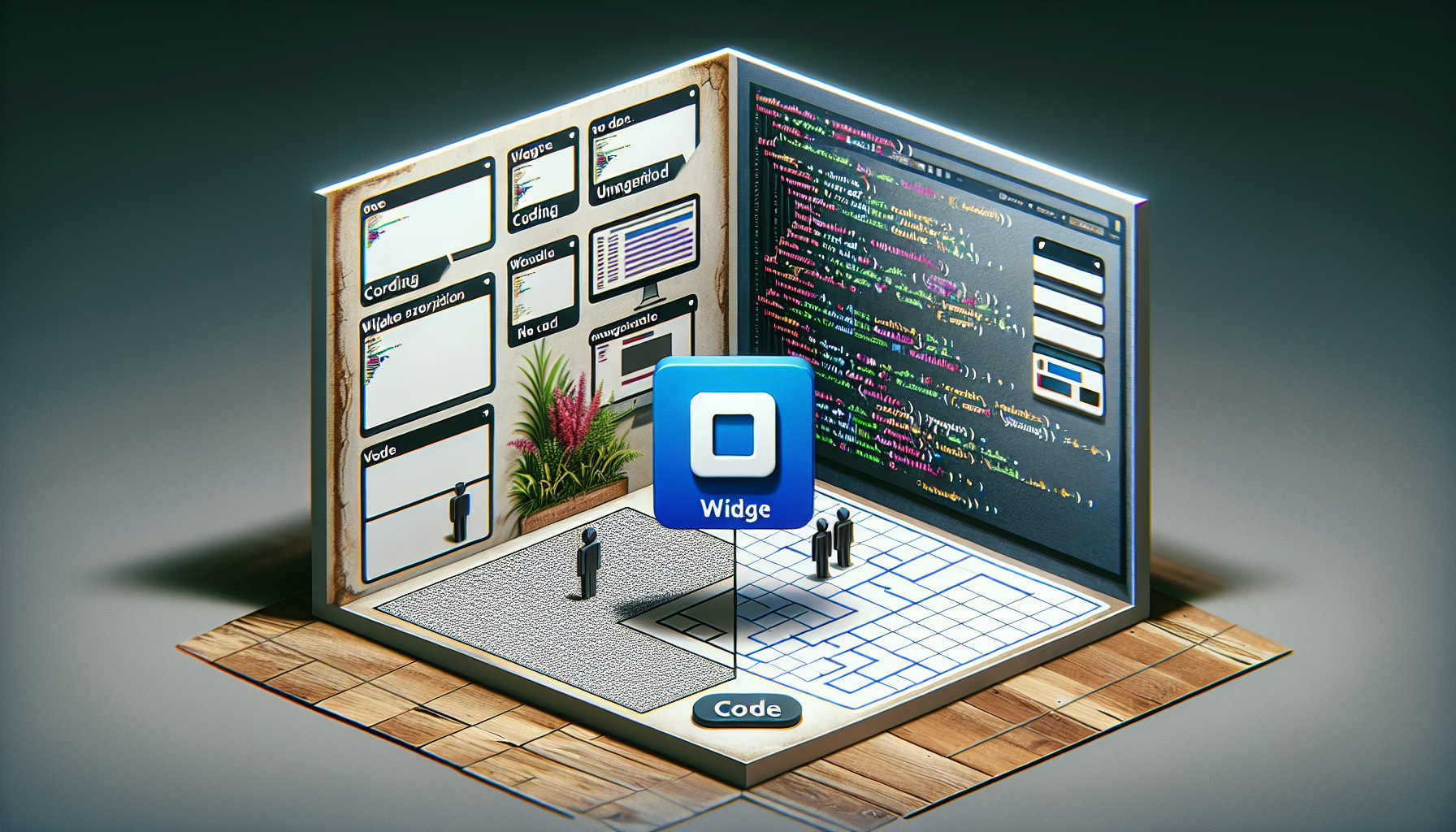
A compelling tutorial scene unfolds, showing the process of widget creation in a widely used website building platform. Four crucial stages are displayed, each occupying a single quadrant of the image. The top-left quadrant shows a blank digital workspace ready for coding, next to the coding workspace is a quadrant displaying lines of untouched code. The bottom half of the image illustrates the transition from coding to the visual result - the bottom-left quadrant reveals a generic preview of the website layout, while the bottom-right quadrant showcases a miniature generic widget blended into the layout seamlessly - no people, no text, no brands.

How to Create a Custom WordPress Widget

An abstract representation of a digital landscape, with interconnected nodes to signify a network. Some of these connections are broken, indicating malfunctioning links. Off to one side, there's a toolbox, indicating the process of fixing. Also present is a stylized, generic CMS interface on a screen to represent a blogging platform. Ensure the absence of any recognizable brand names, logos, and people.

Understanding and Fixing Broken Links in WordPress

Generate an image representative of building an online membership platform without the involvement of individual persons, text, or brand names. The illustration should feature iconic elements typically associated with website building, such as a symbolic representation of WordPress coded in a laptop screen, gears symbolizing the development process, and a padlock to represent member security. The color scheme should present an array of blues and grays to reflect a tech-oriented environment. Avoid any brand logos or identifiable marks.

Creating a Membership Site on WordPress: Key Considerations

prev
5354555657
next
Copyright © 2026
plants.
All Rights Reserved.
About
Advertisement Disclosure About Us Contact Us