Copy Paste Run

Copy Paste Run

  • PHP
  • JavaScript

Sort By:

Illustrate the concept of user authentication using JavaScript, devoid of human presence. Display a secure network symbol, accompanied by a computer screen featuring abstract codes which signify JavaScript. Consider showing a padlock icon to represent secure authentication. Make sure all objects exclude brand names, text, or logos.

Implementing User Authentication with JavaScript

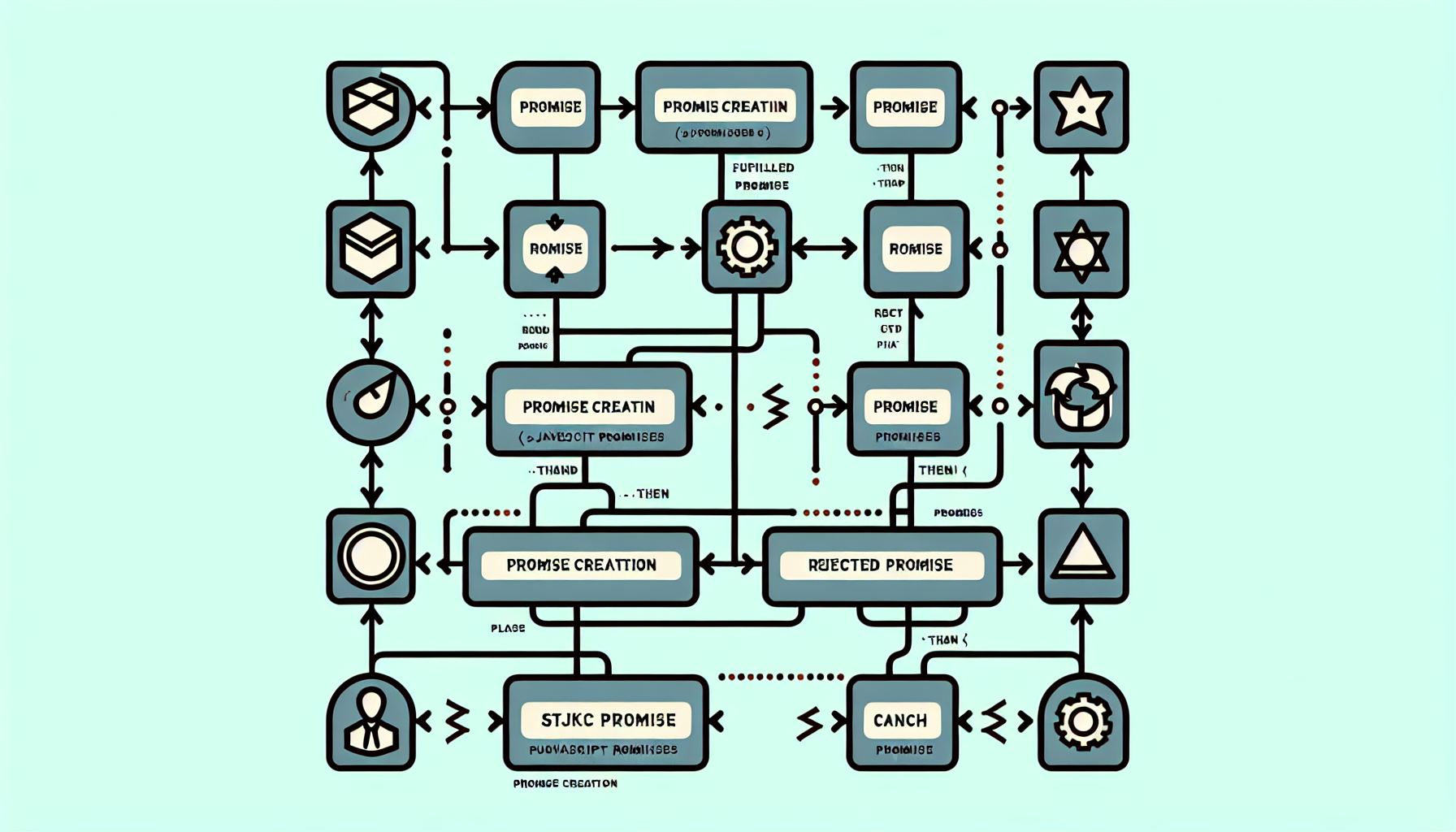
Generate an image showing how to use JavaScript Promises without involving any text or people. The image should visually depict the flow of JavaScript promises through the symbols commonly used in flowcharts. For instance, it could include symbolic representation of 'Promise creation', 'fulfilled Promise', 'rejected Promise', and how they are chained using the '.then' and '.catch' methods. Please maintain a neutral color pallette and avoid any brand names or logos.

How to Use JavaScript Promises

An image meant to symbolize JavaScript and the Service Worker API. It visually illustrates a complex network of interconnected nodes, to represent the web, and a construction worker with a hard hat and tools, symbolizing the service worker. The worker is actively connecting different nodes in the network. To represent JavaScript, there's a stylized, non-branded computer displaying abstract code snippets. The entire scene is set against a clean, digital background. No people, text, brand names, or logos are present.

JavaScript and the Service Worker API

An abstract image that visualizes the concept of 'JavaScript and the Bluetooth API: Connecting to Devices' without using any sort of text. The artwork should feature symbolic elements like network nodes representing different devices, connected with blue lines to convey Bluetooth connectivity. Also, include some abstract elements to represent the JavaScript programming language, perhaps in the form of geometric shapes with intricate patterns. Do not include any people, brand names, logos, or actual text in this image. The composition should convey the idea of connectivity and programming. Use a variety of colors, but maintain a subtle dominance of blue to hint at Bluetooth technology.

JavaScript and the Bluetooth API: Connecting to Devices

Visualize a conceptual abstraction depicting the process of image manipulation through coding. A large photograph with hues turned sepia could be seen being dissected into layers, suspended across the canvas of the digital workspace. Dotted lines encircle areas of the image, suggesting changes in hue, saturation, or contrast. Floating around are series of translucent, glowing lines of JavaScript code flow, weaving in and out of the photographic layers, symbolizing the element of command and control in this context. Equipment such as a mouse and keyboard can be present but must not have any brand names or logos.

Using JavaScript for Image Manipulation

Visualize an abstract representation of the coding process for a responsive table in JavaScript. Imagine a computer screen with lines of code, symbolizing JavaScript, transforming into a flexible, fluid table. There is no explicit text involved in the design and there are no people. Ensure no branding or logos are visible. Make sure to maintain a clean, professional aesthetic with a balance of vibrant and soft colors.

Building a Responsive Table with JavaScript

An abstract representation of a Javascript timer: A digital clock with classic circular shape, its hands rhythmically moving, sits inside a large cogwheel representing the timer function. Beneath that, a streak of electrical light mimics the shape of a sine wave, representing the flow of code. In the background, faded dots and lines symbolizing binary code echo the language of JavaScript. The entire scene has a warm, cyber aesthetic, mixing elements of technology and coding. Please ensure that there are no people, brand names, logos or text in the image.

How to Make a Timer in JavaScript

A sleek laptop with a clear screen, placed on a simple wooden desk, showcasing open lines of code in an unknown programming language. A digitally lit tooltip emerging from the screen, signifying a coding function, giving a feel of JavaScript in action. The background is neutral toned, devoid of any explicit brands or logos, enhancing the focus on coding and tooltips.

Creating a Tooltip with JavaScript

Picture this: A digital desktop setup with a browser window open, displaying symbolic JSON symbols like curly braces, square brackets, and comma. Beside the browser, there are some JavaScript code examples, shown as lines of code without any text. In the background, there's a calm, serene abstract backdrop resembling a coding environment. Also, scattered subtly are small universal icons of coding tools such as a wrench and screwdriver. No branding or logo, as well as no people are depicted in this image. All in all, it portrays a coding workspace dedicated to working with JSON in JavaScript.

How to Work with JSON in JavaScript

Create a visual representation of an array data structure in JavaScript, represented as blocks of different heights, with arrows signifying various methods. Depict methods such as 'push', shown with an arrow appending a block at the end, 'pop', demonstrated with an arrow removing a block from the end, and 'shift', depicted by an arrow removing a block from the start. Include 'unshift', revealed with an arrow adding a block to the start. Present 'splice', represented by an arrow cutting out and replacing a section in the middle. Ensure that no brand names, logos, or human figures are included.

JavaScript Array Methods Explained

prev
56789
next
Copyright © 2026
plants.
All Rights Reserved.
About
Advertisement Disclosure About Us Contact Us