Copy Paste Run

Copy Paste Run

  • PHP
  • JavaScript

Sort By:

Illustrate an image representing digital security for a website. Show a visual metaphor of a traditional medieval castle with high stone walls and a fortified gate, surrounded by an impenetrable moat. Shimmering light projects from the castle, signifying a powerful forcefield. On the nearby shore, shadowy figures take the form of digital symbols intending to breach the security. There are no human figures, logos, brand names or texts visible.

How to Safeguard Your WordPress Site from Brute Force Attacks

Render an abstract image representing the concept of voice search optimization for a website. Display an unbranded microphone symbolizing voice search at the front and center of the composition. Surrounding the microphone, depict various cogwheels and gears symbolizing 'optimization'. Connect the cogwheels and gears using metaphorical lines or arrows to show interactions and processes. At the back, subtly show a symbol of a website - this could be a simple, unbranded icon of a globe or some sort of wireframe layout

Optimizing Your WordPress Site for Voice Search

A detailed visual representation of various concepts related to website customization. The image includes a computer screen displaying a generic login page with fields for username and password, as well as checkboxes for 'remember me' and 'forgot password' options. On the computer's keyboard, instead of keys, there are symbolic representations like an artist's palette, cogs, and a magic wand, suggesting customization opportunities. An array of various flat-style icons, such as an HTML tag, CSS bracket, PHP code snippet, and a mouse pointer, encircle the computer, indicating different tools and techniques that can be used for customization. No people, brand names, or text are included in the image.

Customizing the WordPress Login Page without a Plugin

Imagine an image which symbolically represents the situation described in the article 'Why Your WordPress Slider Is Not Working and How to Fix It'. A stylized slider widget could be seen on a screen, perhaps with a broken or disconnected look, indicating it is not working. Alongside, there could be some digital tools or icons symbolizing the fixing process. Ensure there's no text, people, brand names or logos in the frame. The color scheme should be modern and technical.

Why Your WordPress Slider Is Not Working and How to Fix It

An image containing symbolic representations emphasizing the process of converting posts into pages and vice versa. Envision an abstract workspace with a desk and a computer displaying representative icons (without brand names or logos) signifying a post and a page. Next to the computer, place a two-sided arrow, indicating the transformation between the two. Use neutral shades and pleasing light for this tranquil, tech-oriented environment. Enrich the scene with components like a plant, a generic coffee mug, and a lamp, but recall not to incorporate texts and people in the image.

How to Convert WordPress Posts into Pages (and Vice Versa)

A visual representation of a generic computer system's configuration screen with detailed parameters and various settings, emblematic of adjusting a system for optimal electronic mail dispatching without using any text. The image should also reflect several icons and non-branded symbols that are typically associated with email delivery and system configuration. Absence of any form of brand identity, individuals, or textual content in the images. The layout should be easy on the eyes, professional yet engaging even to those not familiar with such technical tasks.

Configuring WordPress SMTP for Reliable Email Delivery

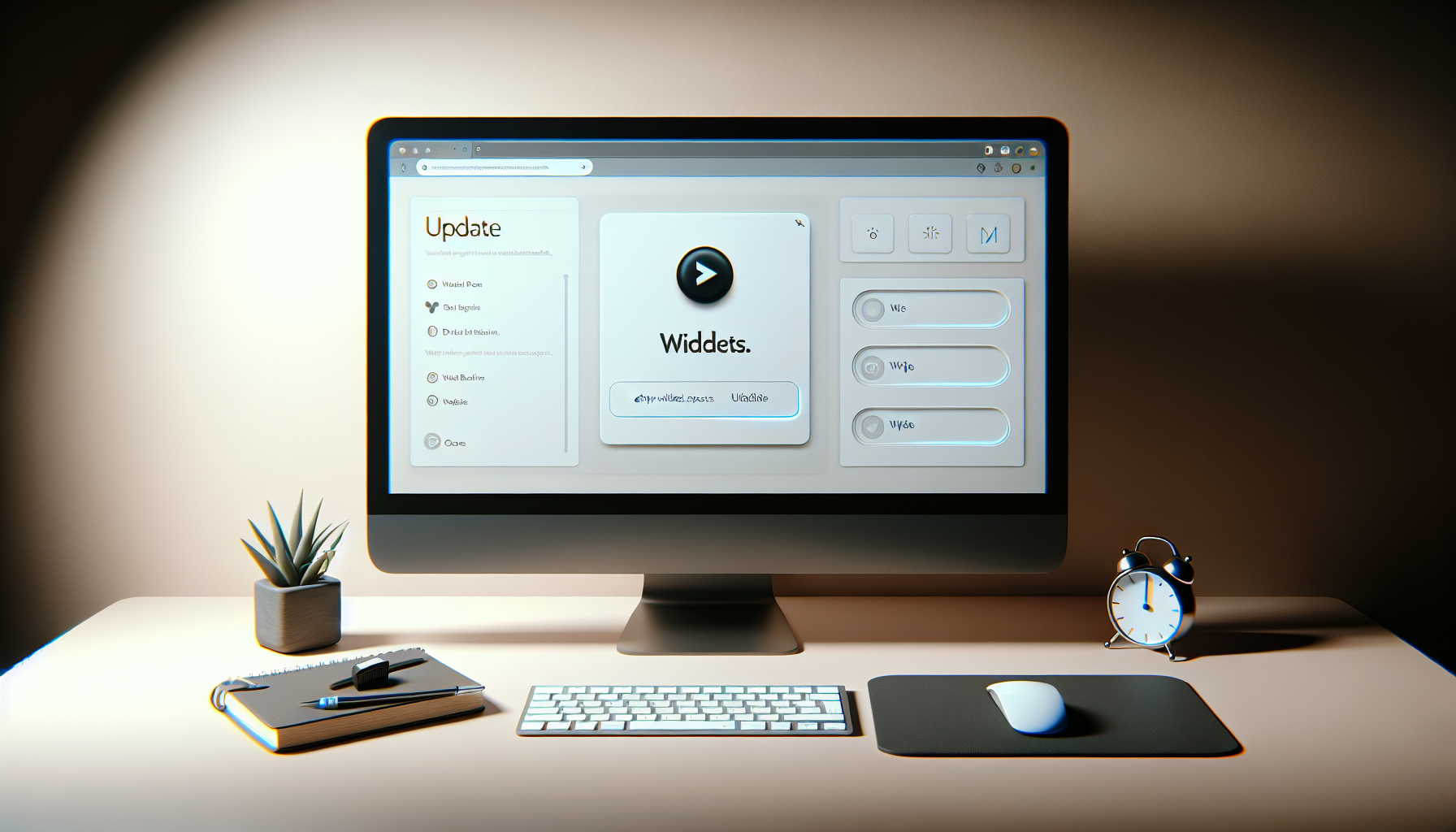
Generate an image showcasing a minimalistic digital workspace featuring a computer screen displaying a generic website builder interface (not any specific brand) with empty widget spaces highlighted, a desk, a mouse, a keyboard, and an update notification on the computer screen. The update icon should be glowing to signify its recent activity. The spaces, where widgets are usually placed, are now vacant, signifying their disappearance. The entire scene takes place in a neutral coloured room lit by the soft glow of the computer screen.

What to Do When Your WordPress Widgets Disappear After an Update

A visual representation of the concept of integrating social media feeds into a personal website. Depict a simple website layout with navigation bars in the foreground, placed against a faint backdrop of an abstract symbol, depicting the convergence of two separate entities into one. No brand names or logos should be included, and there should be no people in the image. Symbols, not text, should be used to suggest the concept of sharing photos and posts from a social media platform to a website.

Integrating Instagram Feeds into Your WordPress Site: A Simple Guide

Illustration of a desktop computer screen displaying a blank white page, suggesting a coding or setting error. To provide some context, you can visually add some design elements around the screen like desk accessories, generic abstract website elements floating around and a hand with a mouse. The scene is devoid of any specific brand identifiers, people, logos, and text, remaining neutral and generic.

Why Is My WordPress Editor Showing White Text on a White Background?

An abstract representation of improving search engine optimization. Display a simple internet router with a glowing led light indicating connectivity, next to the router, place a large magnifying glass which is illuminating a set of interlinked circles, signifying a network. Around these representations illustrate ethereal beams of light in diverse hues enhancing the scene and communicating enhancement or growth. The settings should be sterile and high tech with a sleek white background. No text, people, brand names or logo should be present in this depiction.

How to Enable Pretty Permalinks in WordPress for Better SEO

prev
4748495051
next
Copyright © 2026
plants.
All Rights Reserved.
About
Advertisement Disclosure About Us Contact Us