Copy Paste Run

Copy Paste Run

  • PHP
  • JavaScript

Sort By:

A symbolic representation of a Content Delivery Network (CDN) being integrated with a generic CMS platform represented as gears meshing together seamlessly. The CMS platform gear can be denoted with a 'W' and the CDN gear with fast trails symbolizing speed and global reach. Behind this, there's a backdrop of a world map, enhancing the global nature of CDNs. The colors are meant to symbolically represent technology and speed (blues, purples, and whites). No logos, brand names, or people are included in the image.

Why Use a CDN with Your WordPress Site and How to Set It Up

A concise and clean illustration depicting the process of integrating social share buttons to WordPress posts. Show an abstract, simplified version of a WordPress post layout on a computer screen, add identifiable yet generic social share buttons (e.g. a heart, a speech bubble, a feather pen, no recognizable logos or brand names) at a suitable location on the post. Be sure to not include any humans, text, brand names or logos within the image. The setting should have a technological feel, showcasing the modern and digital, blogging aspect of the concept. The color palette should be cool and neutral, to maintain a professional atmosphere.

Adding Social Share Buttons to WordPress Posts: A How-To Guide

A metaphorical representation of improving server response time for a website without any brand logos, texts, or people. Center the image with a speedy, agile cheetah implying fast server response times on one side and a sluggish snail indicating sluggish server response time on the other. In the middle, a simple blueprint of a server with numerous colorful connecting wires intertwined to form a puzzle, representing the complexity of improving server response times, but have the puzzle appear close to completion. To represent WordPress, include an abstract swirling galaxy above the server, as a nod to the open-source nature and vastness of the community.

How to Reduce Server Response Time for Your WordPress Site

An abstract representation of the concept of building an email subscription list using a blogging platform. The scene includes elements such as given below in no particular order: a minimalist computer setup against a neutral background, a list symbolized by a stack of blank, flat rectangles - akin to a list of papers, a simplified mail icon signifying email and a basic symbol representing connection or network. The overall aesthetic should be bright, clean, and uncluttered.

Creating an Email Subscription List with WordPress

Illustration of a stylized computer screen displaying a web page layout with a prominent spot on the navigation menu highlighted. The highlighted spot suggests the addition of a new page without explicitly stating so. The surroundings of the computer screen consist of digital security symbols, such as locks and shields, to symbolise a Privacy Policy. No people, text, brand names, or logos are included in the image.

How to Add a Privacy Policy Page to Your WordPress Site

Conceptual representation of the process of choosing between a page builder and hand coding. To one side, illustrate an abstract construction site with tools (hammer, screwdriver, wrench) to represent hand coding. On the other side, depict a simplified, abstract model of a cityscape built with interlocking blocks, metaphorically representing a page builder. Ensure no people, text, brands, or logos appear in the scene. Use a balanced contrast to indicate the comparison between the two options. No text should be used in the image. Create a blending line or interface in between to stress the choice aspect.

Choosing Between a WordPress Page Builder vs. Hand Coding

An illustration showing a global map symbolizing a network, with various pins indicating the locations of multiple sites. The pins are interconnected by dotted lines, signifying the connections between them. Next to it, visualize a workstation, including a generic looking desktop computer displaying an abstract representation of website creation process, with various icons such as coding brackets and image files, excluding any brand names or logos. Moreover, showing a simple office chair and desk with a keyboard and mouse, but no people. Keep the illustration color palette vibrant and contemporary.

Why and How to Create a Multisite Network in WordPress

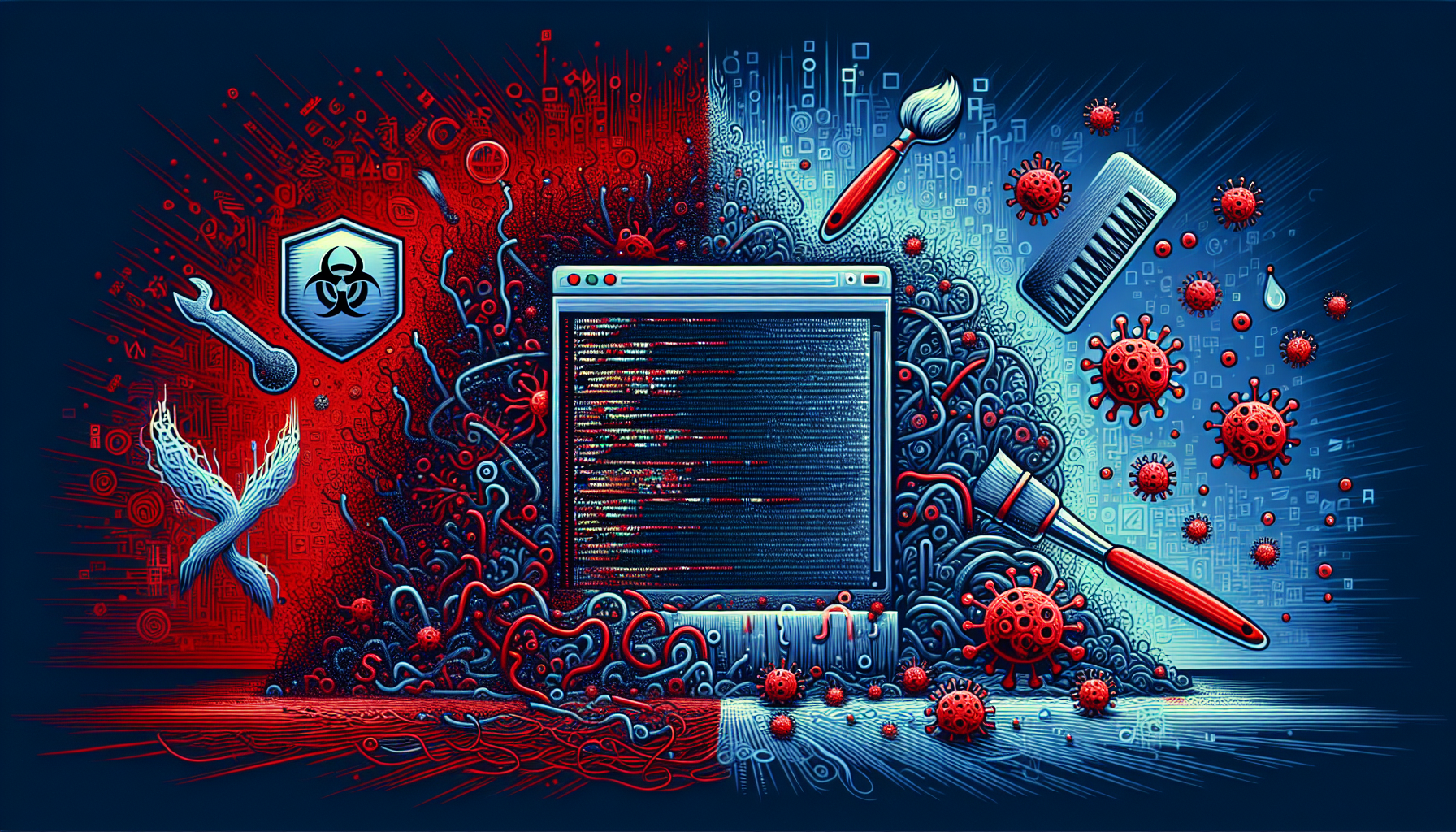
A broad visualization of a digital restoration process: A symbolic representation of a website coded in PHP, infected with unsolicited code shown by irregular and jagged lines in hues of red. It is initially surrounded by dark, chaotic color schemes suggesting a hostile environment full of virus symbols. Later, a representation of a clean-up tools with brush and a protective shield symbolizing security measures is presented. Finally, the website transitions into a secured and cleaned state, depicted by soothing blue hues and healthy, structured patterns of the code with no signs of the red jagged lines.

How to Clean Up a Hacked WordPress Site

A notebook computer displaying a generic, non-branded lock icon next to a gauged security shield symbolizing strengthened security and a smartphone with a message icon indicating second layer of validation. Both are placed on a wooden desk with a non-branded cup of steaming coffee and unbranded spectacles laid on a well-lit neutral-colored workspace. There are no people in the scene. No logos, brand names, or text are visible in the image.

Implementing Two-Factor Authentication in WordPress for Extra Security

A detailed image showcasing the use of WordPress widgets to maximize a website's performance. The central element of the image is a simplified, unbranded computer screen with various abstractly illustrated widgets visible on the screen. Examples of these might include an RSS feed, a search bar, a calendar, and a navigation menu. The widgets are being dragged and dropped around different sections of the website layout, symbolizing customization. In the background, digital symbols and coding language is seeping into the screen, signifying enhanced functionality.

How to Use WordPress Widgets to Enhance Your Site’s Functionality

prev
4950515253
next
Copyright © 2026
plants.
All Rights Reserved.
About
Advertisement Disclosure About Us Contact Us