Copy Paste Run

Copy Paste Run

  • PHP
  • JavaScript

Sort By:

Create an image showcasing the concept of troubleshooting in technological context without any brand names, logos or people. Picture an otherwise empty office desk with a computer screen, illuminated with soft, indirect light. On the screen, display a stylized, not specific to any existing software, error message icon representing 'Too Many Redirects'. Surround the computer with various related items such as a printed network structure diagram and a cup full of colorful, abstract puzzle pieces, indicating the theme of problem-solving.

Resolving the ‘Too Many Redirects’ Error in WordPress

An abstract representation showcasing the process of adding custom CSS to a WordPress site. The image features several key elements: A stylized, generic personal computer in the center implying the necessity of technology. To the side, symbols synonymous with coding, such as pound symbols and brackets, indicating the customization process. Add some visual nods toward aesthetics, such as a palette and a brush, to symbolize the aesthetic customization potential of CSS. A dramatically lit, non-branded, stylized WordPress-like logo hovers over everything, symbolizing the final destination of the process. The overall tone is bright and modern.

How to Add Custom CSS to Your WordPress Site

Create an abstract and symbolic representation of the concept of WordPress file permissions without depicting any brand names or logos. The image should represent security, organization, and best practices. Imagine a large lock to symbolize security, neatly arranged filing cabinets to represent organization and a guide book made transparently to depict best practices. All components in the image should be crafted with intangible and vague elements to avoid explicit representation of the topic. Ensure no people or textual elements are included in the image.

What Are the Best Practices for WordPress File Permissions?

An abstract representation of the process of creating a staging site for WordPress development. The scene features a desktop computer on a wooden table with a cup of coffee next to it. On the computer screen, a simplified, non-branded version of a development environment is shown, with various colorful icons representing coding, web design, and deployment. Next to the computer there's a whiteboard with flowchart diagrams made of simple geometric shapes and arrows, indicating the steps and testing procedure in the development process. In the background, there's a window with a serene scene of nature hinting tranquility exchanged with focused work. Remember, no humans, text, or brand logos are present in the scene.

How to Create a Staging Site for WordPress Development

A conceptual illustration related to digital communication issues. The scene includes a desolated digital landscape dominated by a huge envelope with broken wings representing the failure of email delivery. The background showcases a silhouette of a city skyline depicting the virtual nature of the issue. A series of checkmarks and red crosses, subtly embedded in the landscape, indicating several tests and checks performed for email delivery. The scene uses a color scheme of blues, grays, and reds. Avoid any brand names, text, people, or logos in the image.

Why Is My WordPress Site Not Sending Emails?

A non-branded laptop on a sleek wooden desk, with the screen displaying graphics that symbolize a bug or error. The error is surrounded by crossed-out symbols expressing doubt, and spanner icons to represent fixing. An illustrated guidebook to the side of the laptop, with earmarked pages, showing steps to troubleshoot technical problems. Please avoid the inclusion of people, text, brand names, and logos.

Fixing the WordPress ‘Are You Sure You Want to Do This?’ Error

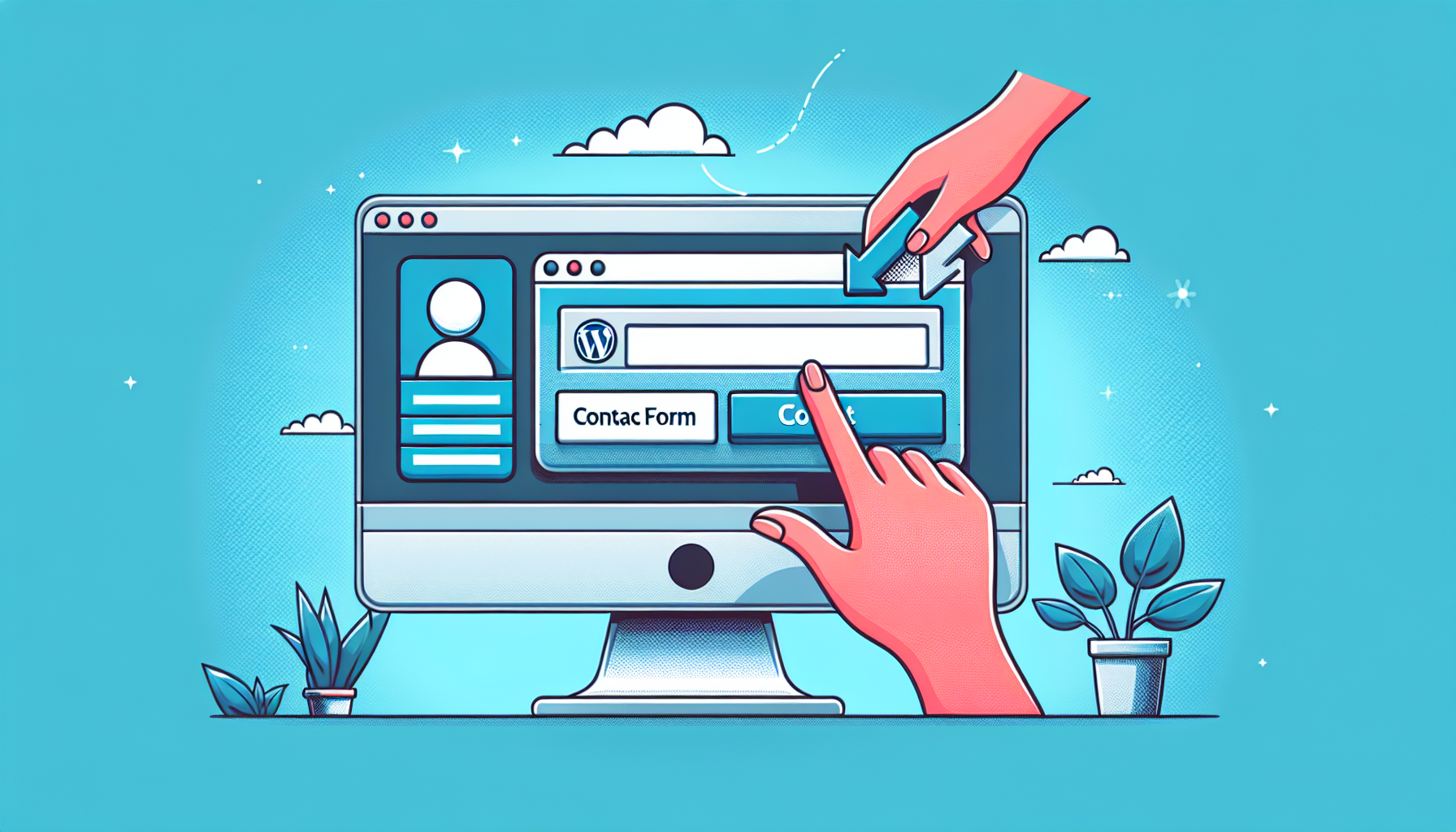
Create a vivid and clean illustration displaying the process of adding a contact form to a website, without any direct reference to WordPress. Visualize a computer screen, with a depiction of a generic website. On the website, show a contact form icon being dragged and dropped onto the webpage, emphasizing the process of adding a contact form. Ensure no human presence, no brand names, no logos, and no text in the image. Use a soothing and professional color palette.

How to Add a Contact Form to Your WordPress Site

An abstract representation of user management and access control in a generic content management system. The image shows a hierarchical structure of colorful gears symbolizing different user roles. From top to bottom, depicting increasing access privilege, the gears are colored in gradient shades of blue to red. A set of labeled check-mark boxes representing different capabilities, such as 'Read', 'Edit', 'Publish', and 'Admin', are distributed around the gears. The gears are interconnected via lines and arrows illustrating role dependent relationships. The backdrop is a simple flat color to maintain focus on the structure.

Understanding and Managing WordPress User Roles and Capabilities

An illustration representing the process of finding and installing the ideal WordPress theme. The image is divided into sections or steps. The first section depicts an abstract user-interface, demonstrating the search for the perfect theme through a variety of choices, represented by diverse rows of color swatches and pattern thumbnails. The second section illustrates the selection process, represented by a golden highlight around one of the thumbnails. The final section portrays the installation process, utilizing a metaphor of a puzzle piece fitting perfectly into a slot within a larger puzzle, symbolizing a website. Note that there are no people, text, brand names, or logos in the image.

How to Find and Install the Perfect WordPress Theme for Your Site

Design an abstract representation highlighting the concept of WordPress Shortcodes without using any text or human figures. The illustration should depict unique symbolic elements such as a coding styled script intertwined with squares and brackets representative of shortcodes. In the backdrop, include a gradient symbolizing a digital interface without any brand names or logos.

What Are WordPress Shortcodes and How Do You Use Them?

prev
5051525354
next
Copyright © 2026
plants.
All Rights Reserved.
About
Advertisement Disclosure About Us Contact Us