Copy Paste Run

Copy Paste Run

  • PHP
  • JavaScript

Sort By:

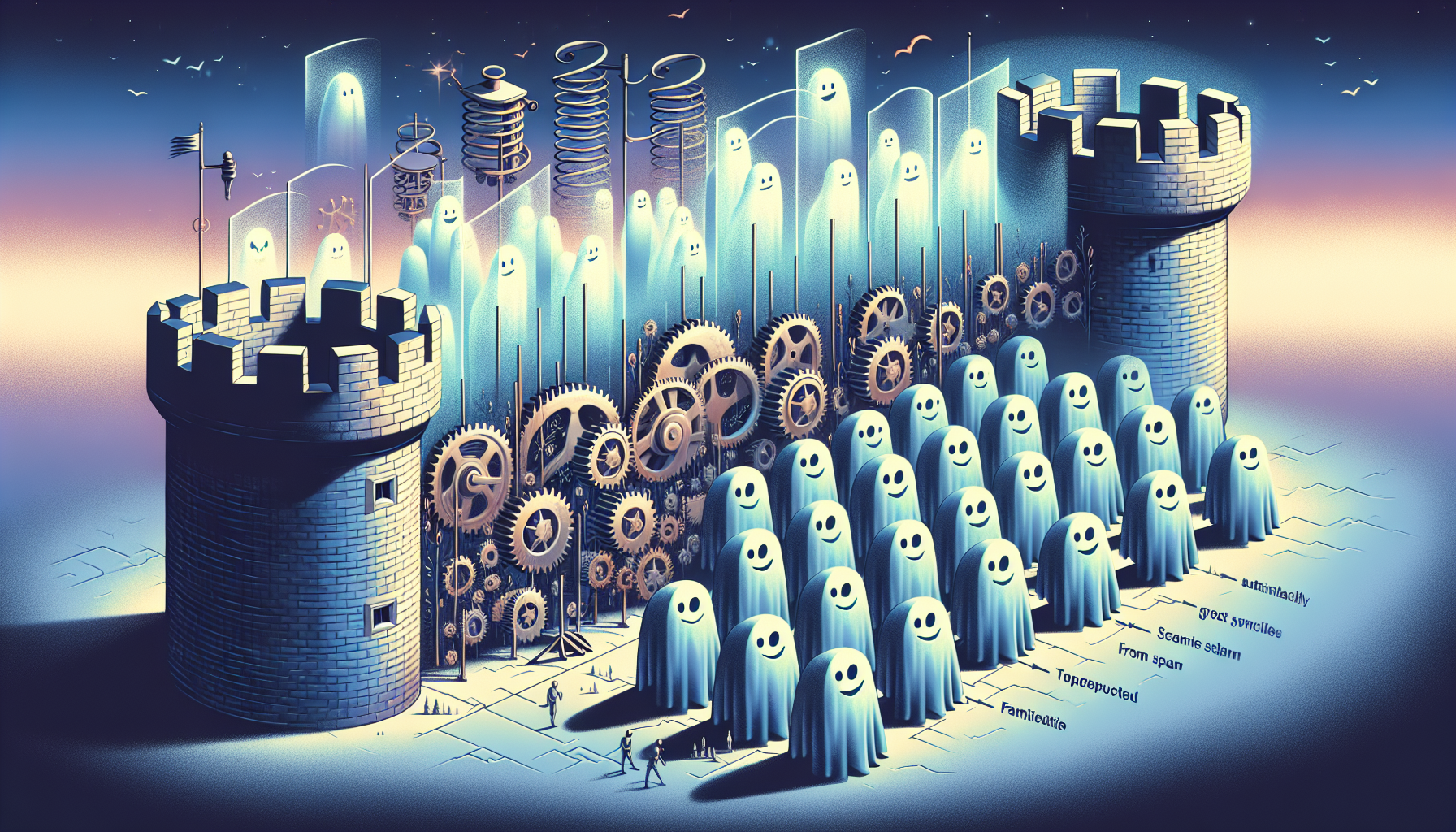
An abstract illustration representing a robust mechanism combating spam. Envision a wall-like structure, possibly templated from a fort or a castle, blocking a numerous wave - transluscent ghost-like figures with mischievous faces. Among the castle, there are gears and springs doing a synchronized dance, indicating the operation of a system. This secure system should be further enveloped by a translucent energy shield, denoting the idea of automatic spam filtering. The castle should be on a landscape, isolated from a discrete distance, to illustrate the charm of solitude of a well-protected system, untouched and unperturbed. All elements are set against the backdrop of a serene twilight sky.

Preventing and Handling Comment Spam in WordPress

An image depicting the concept of digital communication and connectivity, without any text or people. Visualize intersecting lines of various colors, representing different pathways or 'pings' transmitting between stylized, abstract representations of websites. Also, depict some of these pathways making 'trackback', symbolizing the reciprocal nature of these functions. No specific brands, logos or text should be visible. Use a light, neutral background for contrast.

What Are WordPress Pingbacks and Trackbacks and Should You Use Them?

A minimalist digital artwork showcasing the concept of content management in WordPress without the use of brand names or logos. The scene presents a generic computer display. On the screen, there is a representation of a simplistic and unbranded webpage layout with different sections denoted. Binary code rains down in the backdrop to symbolize advanced content management. An array of custom fields scatter across the layout. Various media elements like pictures, videos, and audio icons are scattered around, reflecting the concept of dynamic content. All items, including the computer itself, are unbranded.

How to Use WordPress Custom Fields for Advanced Content Management

An abstract concept visualizing the management and display of custom post types on a blogging platform. A large, flat computer screen dominates the frame. It shows a series of abstract shapes symbolizing different types of custom posts: a rhombus for articles, a star for special features, a circle for news updates, and a square for general posts. Each shape is in a different pastel color. A keyboard and mouse sit under the screen on a clean, minimalist wooden desk. An organized, neat environment with calamondin plants on either side of the computer for an ambience of focus and creativity. No logos or names are visible.

Managing and Displaying Custom Post Types in WordPress

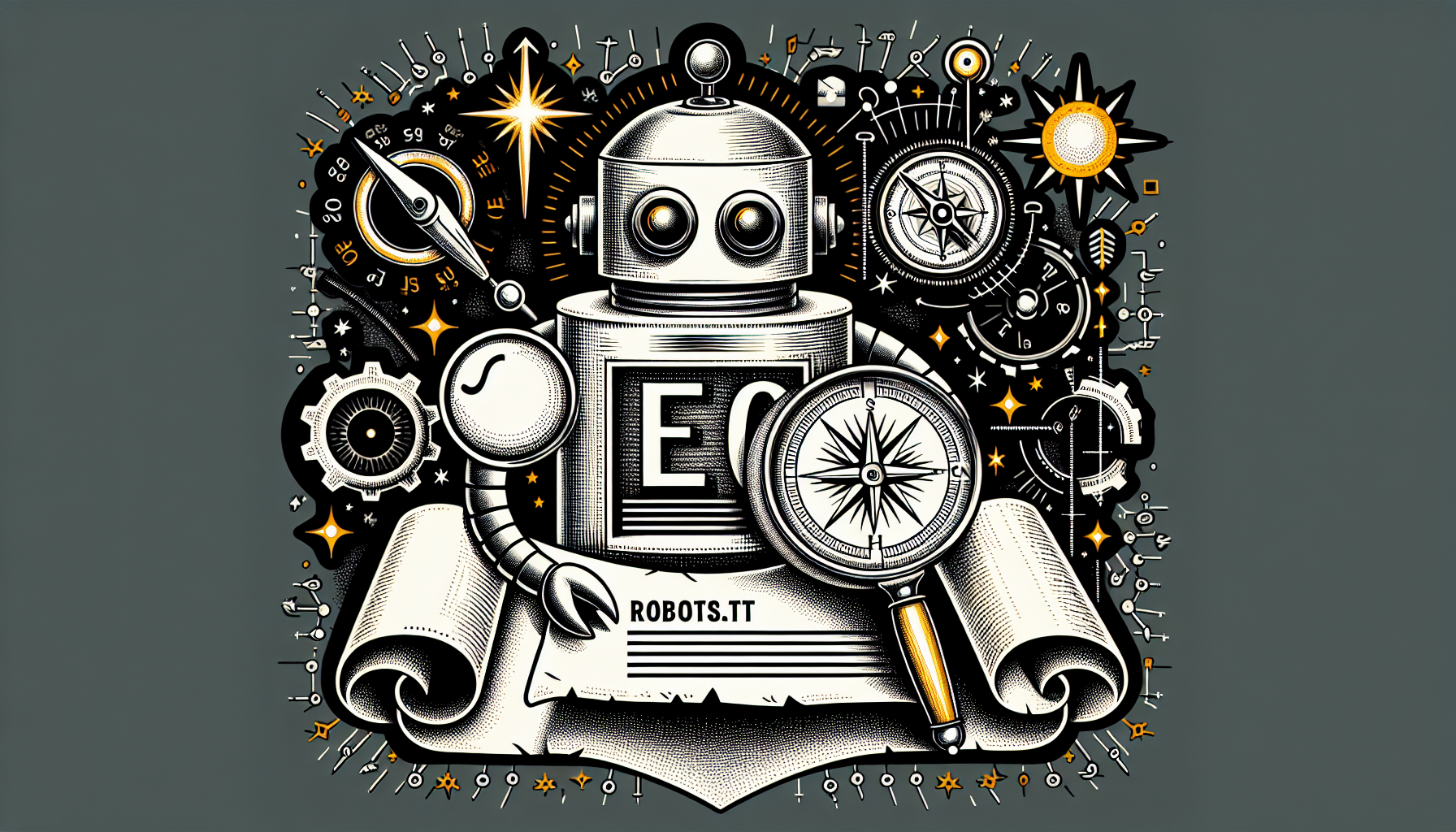
A detailed illustration that encompasses the concept of search engine optimization (SEO) for a blogging platform. Picture should depict a livelily drawn robot with a magnifying glass in hand, analyzing a scroll unrolled in front of it. The scroll signifies the 'robots.txt' file. Additionally, depict a compass, compass points towards a glowing star, symbolizing the 'North Star' or the SEO target. Surround these elements with a mixture of computer gears and signals to reflect the digital essence of SEO, but make sure to avoid explicit branding or identifiable logos.

Optimizing Your WordPress Robots.txt for SEO

An image that symbolizes regular updates in a non-branded website context. In the center, display an abstract iconized depiction of a computer plugin, comfortable with its design. Sequentially arranged around it, show arrows pointing in a circular manner, suggesting constant refreshing or syncing. Besides these, exhibit some outdated-looking icons, faded in color, to depict obsolete versions. Guarantee no brand names, logos, or human figures in your synthesis. Apply an aesthetically pleasing color palette, suitable for a modern, professional article header.

Why and How to Regularly Update Your WordPress Plugins

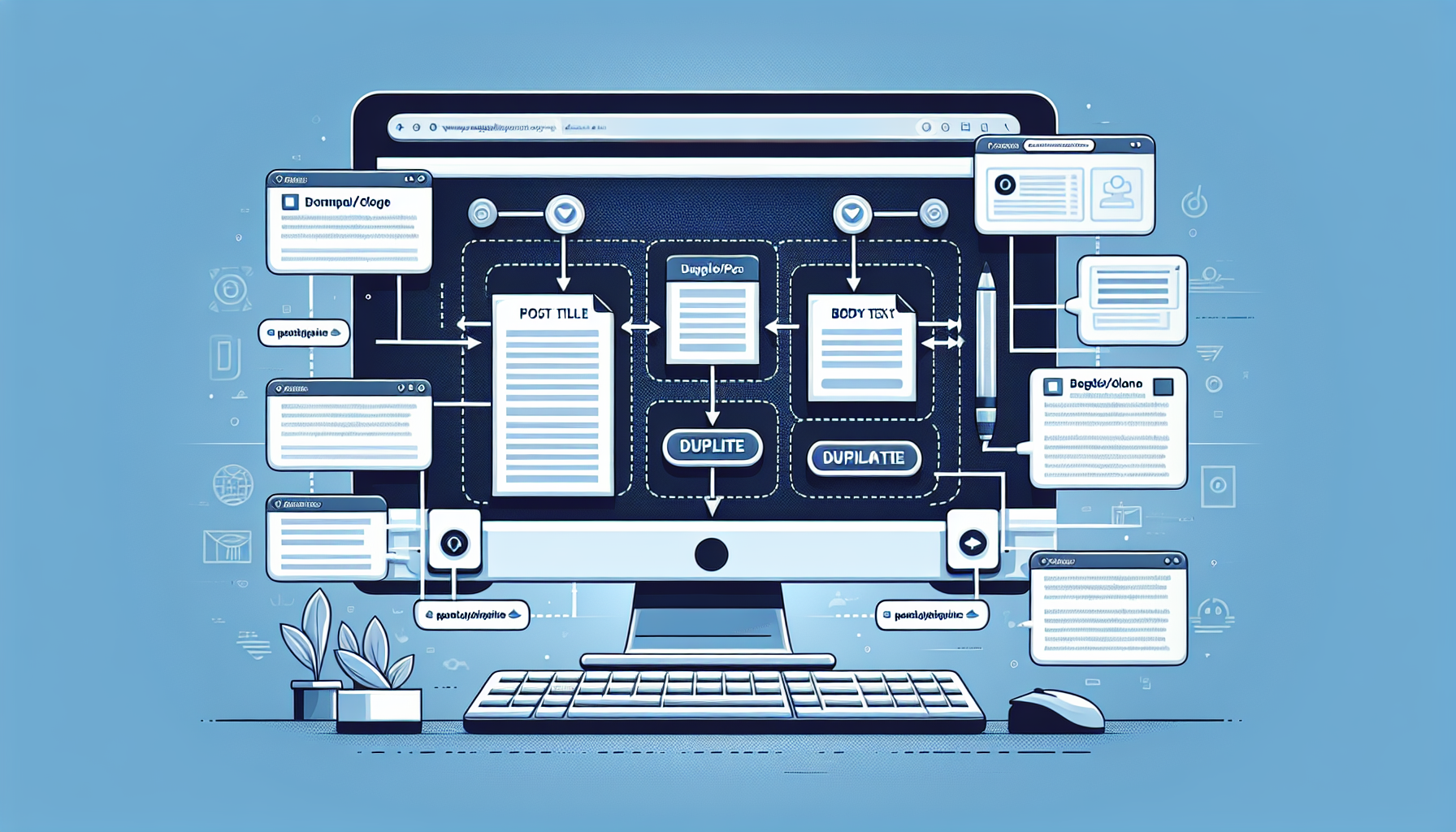
An in-depth visual guide showing the process of duplicating a page or post within a generic content management system. Display a desktop computer monitor with a graphical user interface mimicking the basic structure and elements of default content editing screen, but avoiding any identifiable features. Show elements such as, but not limited to, post title field, body text area, settings sidebar, and other CMS standard features. Make the 'duplicate/clone' button a notable feature, perhaps by making it larger or a contrasting color. Avoid including any brand names or logos, and ensure that no people are depicted in the scene.

How to Duplicate a Page or Post in WordPress

Visual representation of a user troubleshooting image upload issues in WordPress. Picture a computer monitor showing a generic Content Management System interface with no specific brand names. On this screen, an image format icon (such as a small .jpg or .png file) is seen hovering over an upload button, indicating an attempt to upload an image. Additionally, illustrate a series of gears or tool-like symbols nearby to represent the concept of troubleshooting and fixing. Ensure no text is included anywhere within the picture, even on items. The image should not have any people or identifiable brand logos.

Fixing Image Upload Issues in WordPress: A Troubleshooting Guide

An image symbolizing 'Understanding the Importance of WordPress Child Themes'. Ensure no text or brand names are present. Depict a stylized tree, with a larger parent trunk representing the main WordPress theme, and smaller branches or 'child themes' stemming from it. The tree grows from a monitor signifying digital growth. A bright light is behind the monitor, symbolizing enlightenment and understanding. No human beings should be present in this image.

Understanding the Importance of WordPress Child Themes

Picture for a tech-oriented article portraying the concept of mobile-first design. The image should feature a smartphone, displaying an abstract website design in its screen. Next to it, there should be snippets of code floating in the air with some web design icons also scattered around such as wireframe and responsive design symbols. Include no humans, no text nor brand names, and no logos in the image. Depict a modern, clean aesthetic to reflect up-to-date web design practices.

How to Achieve Mobile-First Design with Your WordPress Site

prev
4849505152
next
Copyright © 2026
plants.
All Rights Reserved.
About
Advertisement Disclosure About Us Contact Us